To register MTN MoMo in Ghana, you need a valid Ghana Card, an MTN SIM (new or existing), and GHS 0.50 (April 2026) for activation at any MTN service centre or registered agent across Accra, Kumasi, Takoradi, and every district. This guide walks through the exact registration steps, eligibility requirements, document checks, and common troubleshooting scenarios as of April 2026, when MTN Mobile Money serves over 20 million Ghanaian users.
Table of Contents
- TL;DR
- What You Need Before You Start
- Step-by-Step Registration Process
- Step 1: Locate an MTN Office or Agent
- Step 2: Present Your Ghana Card and SIM
- Step 3: Create Your 4-Digit PIN
- Step 4: Pay the Activation Fee
- Step 5: Test Your Account
- Registration Fees and Charges (April 2026)
- Common Registration Problems and Fixes
- "Ghana Card Not Found in System"
- "SIM Not Registered to This Ghana Card"
- "PIN Creation Failed"
- "Activation SMS Not Received"
- Ghana-Specific Considerations
- What to Do After Registration
- FAQs
- Related Reads
- Closing
- Sources
Registration takes 5 to 10 minutes when your documents are ready. MTN does not charge for the SIM itself if you register in-person at a service centre, though some agents may add a GHS 1 convenience fee. The GHS 0.50 activation charge is mandatory and covers your first transaction enablement.
TL;DR
- You need a valid Ghana Card and an MTN SIM (new or existing) to register
- Walk into any MTN office or agent with your Ghana Card and GHS 0.50
- Agent verifies your card, links it to your number, sets your 4-digit PIN
- Activation is instant, you can send money within minutes
- Lost PIN? Reset costs GHS 1 (April 2026) at an agent or via USSD *170# > 7 > 4
What You Need Before You Start
MTN requires three items for MoMo registration:
Ghana Card , the biometric national ID issued by the National Identification Authority (NIA). No voter ID, no driver’s licence, no passport. Ghana Card only. If your card shows an error during SIM registration, visit the NIA office at Ridge in Accra or any regional office to update your records.
MTN SIM card , either a new SIM from an MTN shop or agent, or your existing MTN line if it was registered after the 2022 SIM re-registration exercise. Pre-2022 SIMs that were not re-registered cannot activate MoMo. Check registration status by dialling *156# and selecting option 1.
GHS 0.50 cash , the flat activation fee charged by MTN. Some agents add GHS 0.50 to GHS 1 as a service charge, so carry GHS 2 to avoid back-and-forth.
MTN does not accept foreign passports for Ghanaian MoMo registration. Non-Ghanaians with Ghana Card equivalents (refugee IDs, ECOWAS national IDs with local address proof) should visit a full MTN service centre, not a roadside agent, to discuss eligibility.
Step-by-Step Registration Process
Step 1: Locate an MTN Office or Agent
MTN has over 180,000 registered MoMo agents nationwide. Find one by:
- Visiting any MTN service centre (Accra Mall, Kumasi City Mall, Takoradi Harbour, Tamale Market Circle, etc.)
- Looking for yellow MTN MoMo branding at kiosks, pharmacies, and provision shops
- Asking a current MTN MoMo user for the nearest trusted agent
- Checking the MTN Ghana app (available on Google Play and App Store) for agent locator
Service centres process registrations free of agent fees. Agents may add GHS 0.50 to GHS 1 for convenience.
Step 2: Present Your Ghana Card and SIM
Hand your Ghana Card to the agent. They will:
- Scan or manually enter your Ghana Card number
- Verify your name, date of birth, and photo match the NIA database
- Confirm your phone number is registered to the same Ghana Card (mandatory since 2022 SIM re-registration)
If your SIM and Ghana Card do not match, the agent cannot proceed. You must first re-register your SIM at an MTN office with your Ghana Card before MoMo activation.
Step 3: Create Your 4-Digit PIN
The agent will ask you to create a 4-digit MoMo PIN. Rules:
- Must be 4 digits exactly (no letters, no symbols)
- Cannot be 0000, 1111, 1234, or your birth year
- Do not reuse your ATM PIN or phone unlock code
- Memorise it, MTN does not send PINs via SMS
You will enter the PIN twice to confirm. Write it down in a secure place at home, not on your phone notes or in a WhatsApp chat.
Step 4: Pay the Activation Fee
Hand GHS 0.50 (or GHS 1 to GHS 2 if at an agent) to the agent. They process the payment and activate your wallet instantly. You will receive an SMS from MTN confirming:
“Congratulations! Your MTN MoMo account has been activated. Dial *170# to start transacting.”
If you do not receive the SMS within 2 minutes, ask the agent to check the registration status. Some network delays occur, but activation is typically instant.
Step 5: Test Your Account
Dial *170# immediately. You should see the MoMo main menu:
- Send Money
- MoMo Pay & Pay Bill
- Airtime & Bundles
- Financial Services
- My Wallet
- My Approvals
Select option 5 (My Wallet), then option 1 (Check Balance). Enter your PIN. Your balance should show GHS 0.00. This confirms the wallet is active.
Send GHS 1 to a trusted contact (or yourself if you have a second active wallet) to verify full transaction capability. The first send often triggers an additional SMS from MTN asking you to confirm your identity, reply YES.
Registration Fees and Charges (April 2026)
| Item | Cost (GHS) | Notes |
|---|---|---|
| New SIM card | 0.00 | Free at MTN service centres; agents may charge GHS 1-2 |
| MoMo activation | 0.50 | Mandatory one-time fee |
| Agent service fee | 0.50-1.00 | Optional, varies by agent |
| Ghana Card verification | 0.00 | Free, handled by MTN system |
After activation, standard MTN MoMo transaction fees apply. Sending GHS 1 to GHS 100 costs GHS 0.75 (April 2026). Larger amounts incur tiered fees up to 1% of the transaction value. Check the full fee schedule in our MoMo fees breakdown.
Common Registration Problems and Fixes
“Ghana Card Not Found in System”
Your Ghana Card may not sync with the NIA database yet if it was issued in the last 30 days. Wait 2 weeks, then retry. If the card is older than 60 days and still fails, visit the NIA office to verify your registration status. Some cards issued between 2020 and 2021 have backend errors that NIA must manually correct.
“SIM Not Registered to This Ghana Card”
Your phone number was registered to a different Ghana Card or an old ID type (voter card, passport). You must re-register the SIM at an MTN service centre with your current Ghana Card. Bring both the SIM and the card. Re-registration is free but can take 30 minutes to 2 hours depending on queue length.
“PIN Creation Failed”
You likely entered a blocked PIN pattern (1234, 0000, etc.) or mistyped the confirmation. Ask the agent to reset the attempt. If the issue persists, the agent should escalate to MTN support via the agent hotline. Do not leave the agent location until resolved.
“Activation SMS Not Received”
Network congestion can delay the SMS by 5 to 30 minutes. Dial 170# after 5 minutes to check if the wallet menu appears. If yes, you are activated regardless of SMS delay. If no menu appears, ask the agent to verify registration status on their backend system. If the system shows active but you cannot access 170#, restart your phone.
Ghana-Specific Considerations
MTN MoMo registration follows Bank of Ghana and National Communications Authority (NCA) rules on financial service access. Key local factors:
E-levy impact: All MoMo transactions over GHS 100 per day incur a 1% e-levy charge (capped at GHS 1,000 per transaction). The levy does not apply to registration itself, but you will pay it on your first large transfer. Read the full e-levy guide in our MoMo & Fintech pillar.
Daily transaction limits: New MoMo accounts start with a GHS 2,000 daily send limit and GHS 5,000 daily receive limit. Limits increase to GHS 10,000 send / GHS 20,000 receive after 90 days of consistent use and KYC verification. Business accounts have higher limits, but registration requires a business Ghana Card and TIN certificate.
Agent trust issues: Not all yellow-branded kiosks are legitimate MTN agents. Confirm agent status by asking for their agent code (6-digit number starting with 02 or 05). Legitimate agents display a laminated MTN certificate with photo, name, and code. Never hand over your Ghana Card to an agent who refuses to show credentials.
Cross-network compatibility: Once registered, you can send money to Telecel Cash and AirtelTigo Money users via MTN’s interoperability gateway. Fees for cross-network transfers are slightly higher (GHS 1.50 for amounts under GHS 100, April 2026). Learn the process in our guide on how to send money across networks with MoMo.
Rural connectivity: MTN MoMo works via USSD (*170#), so you do not need internet access to transact. However, some rural agents face intermittent network issues during registration. If your district agent cannot complete registration due to network errors, travel to the nearest district capital MTN office for guaranteed connectivity.
What to Do After Registration
Within 24 hours of activating MoMo, complete these actions to secure and optimise your wallet:
Set up a recovery phone number , dial *170# > 8 > 1 > 2 and register a backup number (preferably not MTN, use Telecel or AirtelTigo). If you lose your SIM, MTN can reset your PIN via the backup number.
Enable transaction alerts , dial *170# > 8 > 1 > 1 to activate free SMS alerts for every transaction. Alerts help you catch fraudulent withdrawals within minutes.
Link MoMo to your bank account , if you hold an account at any Ghanaian bank, link it to MoMo for instant free transfers up to GHS 2,000 per day. Instructions in our article on how to link MoMo to your bank account.
Memorise key USSD codes , bookmark these for offline use:
– 170# = MoMo main menu
– 17074# = reset PIN (costs GHS 1, April 2026)
– 1705*1# = check balance without menu navigationTest a small withdrawal , load GHS 10 onto your wallet (ask a friend to send it, or deposit cash at an agent), then withdraw it immediately to confirm the full transaction cycle works. First-time users often discover PIN entry errors or agent payout issues during this test.
FAQs
Can I register MTN MoMo online or via the MTN app?
No. MTN requires in-person registration at an agent or service centre to verify your Ghana Card physically. The MTN Ghana app allows wallet management after registration but cannot activate a new wallet.
Do I need a smartphone to use MoMo?
No. MoMo runs entirely via USSD (*170#) on any phone, including basic feature phones. Smartphones enable the MTN app for transaction history and receipt storage, but USSD access is sufficient for all core functions.
Can I register MoMo if I am under 18?
Yes, but you need parental consent and a valid Ghana Card. The parent or guardian must accompany you to the MTN office, present their own Ghana Card, and sign a consent form. Minors cannot register at roadside agents, only at full service centres.
What happens if I lose my SIM after registration?
Visit an MTN service centre immediately with your Ghana Card. MTN will issue a replacement SIM with the same number and transfer your MoMo wallet to the new SIM. The process is free but can take 2 to 24 hours. Your wallet balance is stored on MTN servers, not the physical SIM, so you will not lose funds.
Can I have multiple MTN MoMo wallets?
Yes, if you own multiple MTN lines registered to your Ghana Card. Each line gets its own wallet with separate PINs and limits. You cannot merge wallets or transfer balances between your own numbers without paying standard transaction fees.
Why does my agent charge more than GHS 0.50 for activation?
Agents add a service fee (typically GHS 0.50 to GHS 1) as their commission. MTN’s official activation fee is GHS 0.50, but agents are independent businesses. If the total exceeds GHS 2, negotiate or visit a service centre for the base rate.
Can I register MoMo with a Telecel or AirtelTigo number?
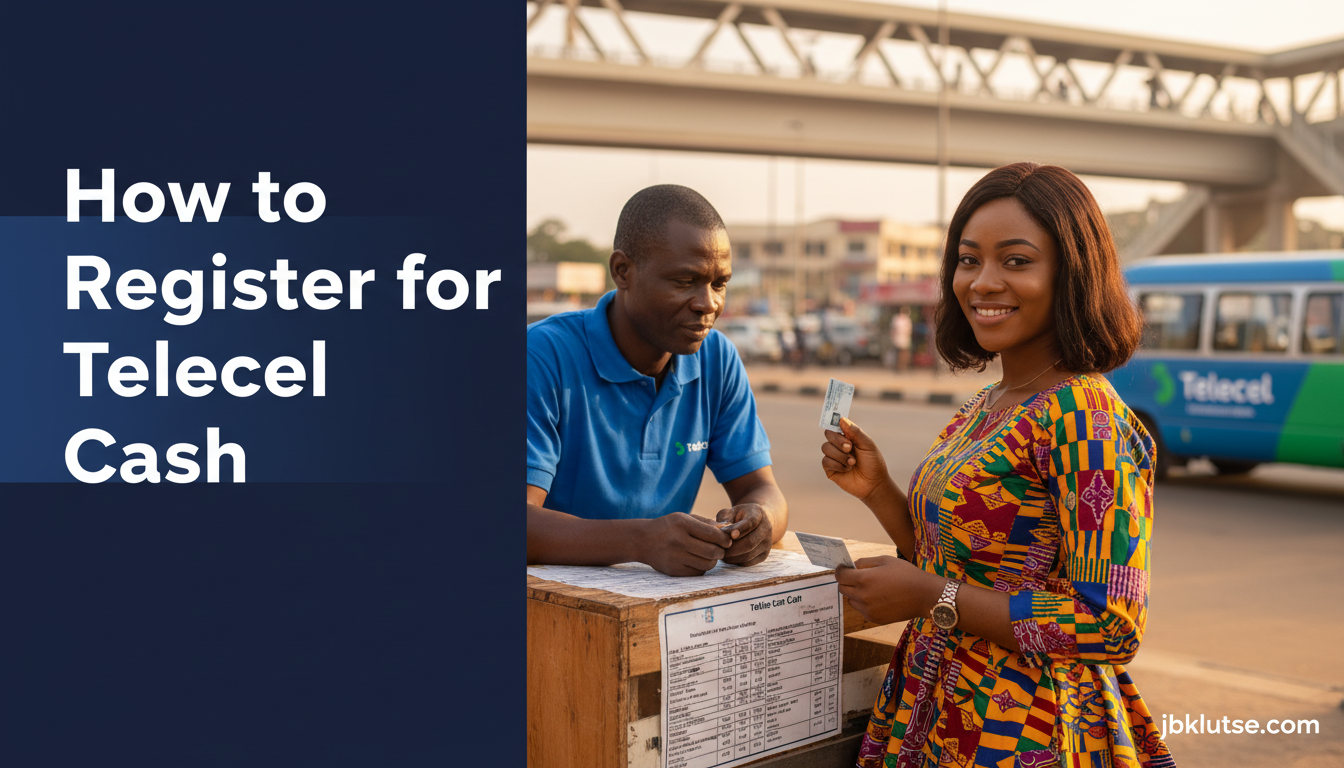
No. This guide covers MTN MoMo only. Telecel and AirtelTigo have separate mobile money products (Telecel Cash and AirtelTigo Money) with different registration requirements. See our guides on how to register for Telecel Cash and how to register for AirtelTigo Money.
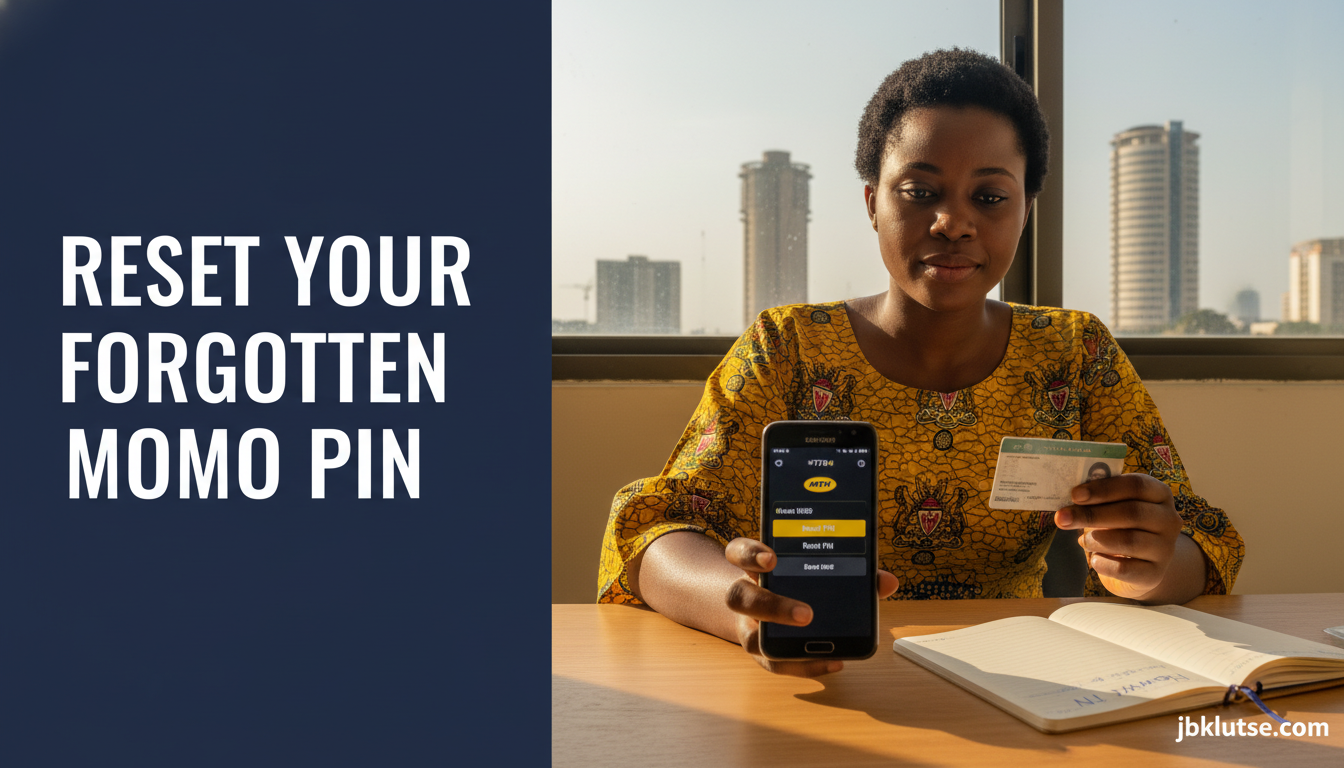
What do I do if I forget my PIN?
Reset it by dialling *170# > 7 > 4 and following the prompts. MTN charges GHS 1 (April 2026) for PIN resets. You will need to answer security questions or verify via your registered backup number. Full instructions in our article on how to reset a forgotten MoMo PIN.
Related Reads
- Zoom out: MoMo & Fintech: Complete Guide to Mobile Money in Ghana
- Topic hub: How to Use Mobile Money in Ghana: Every Guide You Need
- Related deep-dives:
- How to Register for Telecel Cash
- How to Reset a Forgotten MoMo PIN
- How to Send Money Across Networks with MoMo
- How to Check MoMo Balance Without Internet
Closing
MTN MoMo registration in Ghana is a 10-minute task when you arrive prepared with your Ghana Card and a small activation fee. Once active, your wallet becomes the backbone of daily financial life in Ghana, from buying airtime and paying ECG bills to receiving salary transfers and shopping online. If you run into registration errors, visit a full MTN service centre rather than troubleshooting with a roadside agent. The service centre staff have backend access to resolve Ghana Card mismatches, SIM registration conflicts, and PIN creation errors that agents cannot fix.
Follow our updates on X at @jbklutsemedia for breaking news on MoMo fee changes, e-levy updates, and new MTN features.
Sources
- MTN Ghana Mobile Money official page
- National Identification Authority Ghana Card issuance data
- Bank of Ghana mobile money transaction guidelines (2024 update)
- National Communications Authority SIM registration rules
- MTN Ghana agent network statistics (Q1 2026 report, accessed via MTN investor relations)