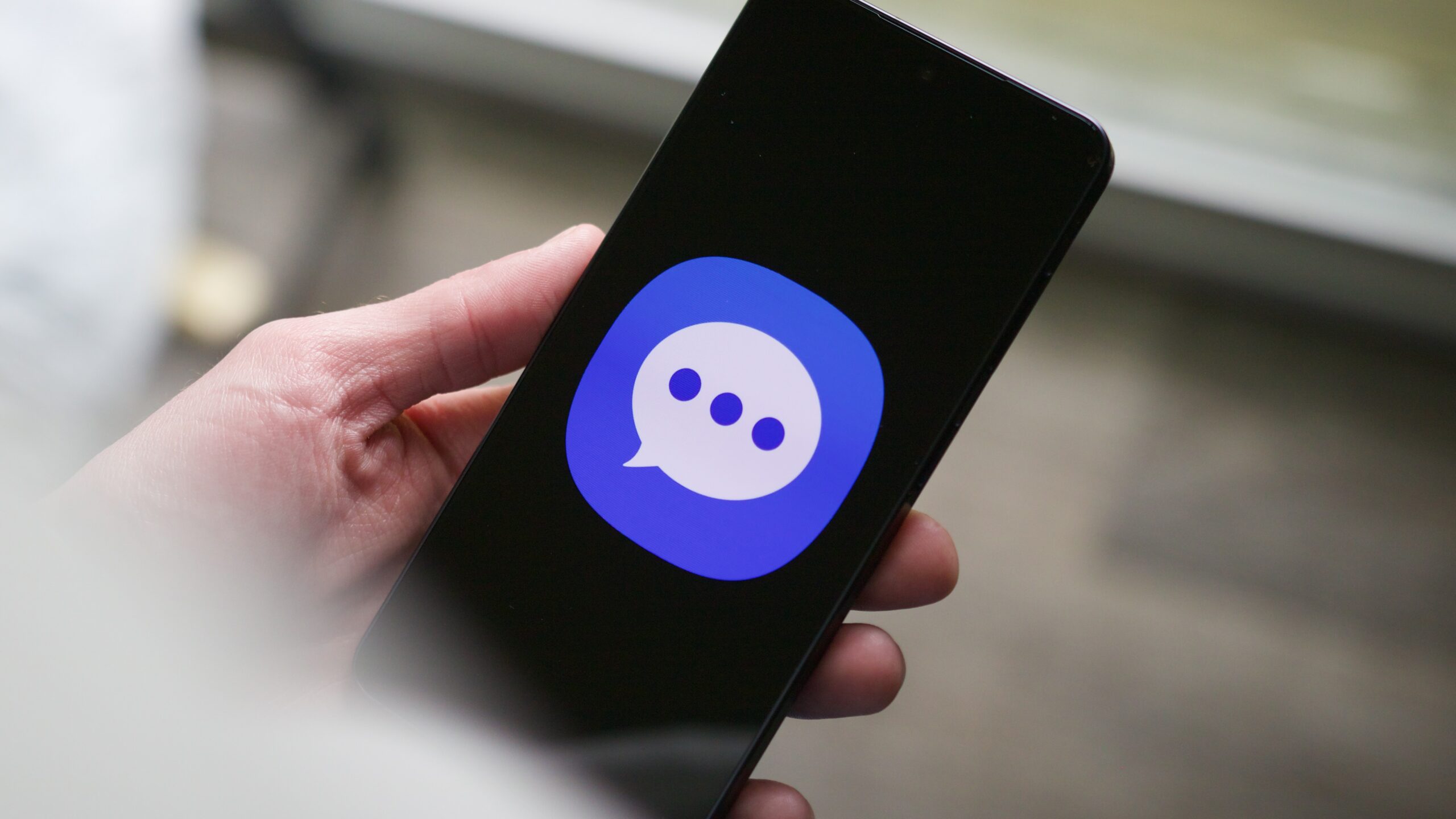
If you own a Samsung phone in Ghana, your default text-message app is about to disappear. Samsung Messages is shutting down starting in July, and Samsung is pushing everyone to switch to Google Messages instead.
The problem? Google Messages doesn’t do everything Samsung’s app could do. For users who loved Samsung Messages, the switch will mean losing some genuinely useful features.
What’s happening to Samsung Messages?
Samsung built its own messaging app for years. It was simple, worked well, and had loyal fans. But starting this July, Samsung will stop supporting it. If you use Samsung Messages now, Samsung will push you to move to Google Messages.
Google Messages is Google’s answer to texting. It handles regular SMS texts and also RCS (a newer texting standard that works better than old SMS). But it’s missing five features that Samsung Messages users loved.
The 5 Samsung Messages features you’re losing
1. Chat customization. Samsung Messages let you pick custom colors for each chat and even set images as backgrounds. Google Messages lets you change colors, but no background images yet. (Though Google’s code suggests this might be coming soon.)
2. Chat folders. In Samsung Messages, you could create folders to organize your chats, grouping work talks separately from family chats, for example. Google Messages has no folder option, even though many users find this super useful for staying organized.
3. Alert when your phone is picked up. Samsung’s One UI system has a feature where your phone vibrates when you pick it up if you have unread messages. This works with Samsung Messages but not Google Messages, a gap that’s annoyed users for months.
4. Auto-delete old messages. Samsung Messages could automatically delete your oldest texts to keep your inbox tidy. Google Messages makes you delete messages manually.
5. Real competition. This is the bigger picture: Samsung Messages was one of the few serious rivals to Google in the Android texting space. With it gone, there’s less competition to drive improvements in messaging apps.
What this means for you
If you’re happy with basic texting, switching to Google Messages won’t bother you much. It works fine for everyday use.
But if you loved organizing your chats into folders, picking custom colors, or letting your phone vibrate when you pick it up to check messages, you’ll lose that. Some of these features might come to Google Messages later, but there’s no guarantee.
What you should do: Start using Google Messages now while you still have Samsung Messages as backup. Check if Google Messages has the features that matter most to you. If folder organization or auto-delete are deal-breakers, explore alternatives like Fossify or Textra from the Play Store, though these may not work as smoothly.
You have until July to decide.

Leave a Reply