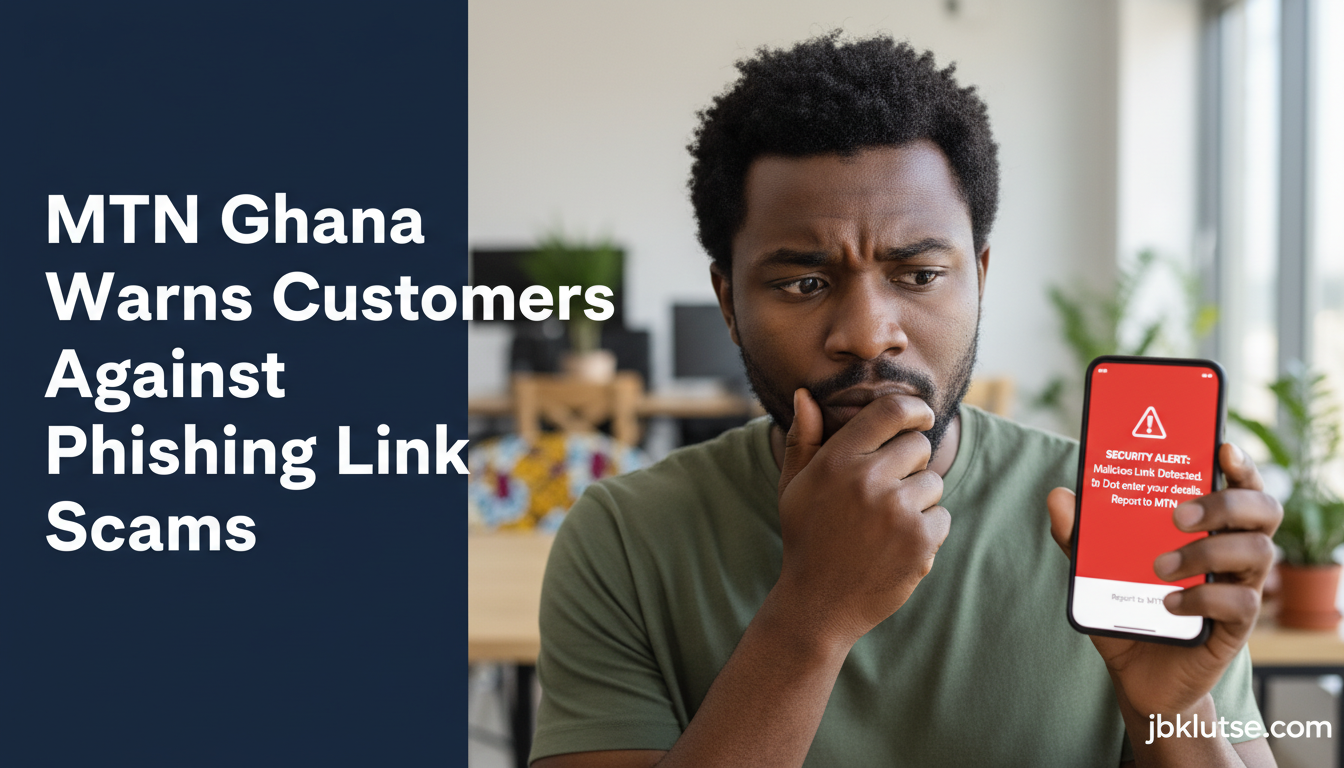
Illustration: JBKlutse (AI-generated)
MTN Ghana has issued a urgent warning: scammers are sending fake links via WhatsApp, SMS, and websites to steal your money and personal data. If you use MTN or MoMo, this affects you directly.
Here’s what’s happening and how to protect yourself.
The Scam: What Fraudsters Are Doing
Criminals are pretending to be banks, government agencies, and even family members. They send messages designed to scare you or excite you — claiming you’ve won a prize, your account is locked, or you need to verify your identity urgently. The goal is simple: get you to click a link and hand over passwords, PINs, card details, or personal information.
Ghana’s Cyber Security Authority recorded over 700 online fraud reports in the first quarter of 2026 alone. This isn’t rare. It’s happening now, to real people.
Red Flags: How to Spot a Phishing Link
Watch for these warning signs:
- Panic tactics. “Your account will be closed!” “Verify now or lose access!” Real banks and MTN don’t pressure you this way.
- Too-good-to-be-true offers. You won a prize you never entered? Suspicious.
- Demands for passwords or PINs. MTN will never ask for these via text, WhatsApp, or email. Full stop.
- Unknown senders. A link from someone you don’t recognize, especially if it’s urgent.
How to Stay Safe
Before you click anything:
- Check the website address. It should start with “https://” (not “http://”) and show a padlock icon in your browser. This means the site is secure.
- Don’t use numbers or links from the suspicious message itself to contact MTN or your bank. Instead, call MTN on 100 or visit their official website directly.
- When in doubt, don’t click. Call the organization the message claims to be from using a number you find independently.
What MTN will never do: Ask you for a password, PIN, or full card details through a text link or social media. If someone asks, it’s a scam.
If You’ve Already Clicked
Don’t panic, but act fast:
- Contact MTN immediately: Call 100 from your MTN phone.
- Report to police: Call the Ghana Police Service on 0800311311 or visit your nearest station.
- Change your passwords: If you entered login details, change your MTN and MoMo passwords right away.
- Monitor your account: Check your MoMo balance and transaction history for unauthorized activity.
The bottom line: stay skeptical of unsolicited messages asking you to confirm or update anything. If it feels rushed or strange, it probably is.
Leave a Reply