Getting locked out of your facebook recovery ghana account means losing access to business pages, customer groups, event promotions, and years of photos and connections that Ghanaian entrepreneurs, students, and families rely on daily. This guide walks through every official recovery method Facebook offers as of April 2026, explains which options work when you have lost your phone number or email, details the Ghana Card verification path Meta rolled out in West Africa, and flags the scams targeting desperate account owners in Accra, Kumasi, and beyond.
Table of Contents
- TL;DR
- Why Ghanaians Lose Facebook Access
- Recovery Method 1: Email or Phone Number Reset
- Recovery Method 2: Trusted Contacts
- Recovery Method 3: Identity Verification with Ghana Card
- Recovery Method 4: Two-Factor Backup Codes
- Recovery Method 5: Security Questions (Legacy Accounts)
- What Not to Do
- Preventing Future Lockouts
- Ghana-Specific Considerations
- Business Account Recovery
- Technical Troubleshovers
- FAQs
- Related Reads
- Closing
- Sources
TL;DR
- Facebook offers five recovery paths: email/SMS code, trusted contacts, identity verification with Ghana Card, security questions (legacy accounts), and two-factor backup codes
- The Ghana Card upload option launched in March 2025 for West African users and works when other methods fail
- Never pay “recovery agents” on WhatsApp or Telegram claiming insider Meta access
- Set up trusted contacts and download backup codes before you get locked out
- Recovery takes 24 hours to 14 days depending on method and verification complexity
Why Ghanaians Lose Facebook Access
Facebook account lockouts in Ghana spike during three scenarios. First, SIM swaps targeting MTN and Telecel numbers linked to accounts allow attackers to reset passwords via SMS. Second, shared internet cafe logins leave sessions active on public machines in Madina, Ashafo, and campus towns. Third, phishing links sent via WhatsApp groups promising free data bundles or job opportunities harvest login credentials.
Meta’s systems flag suspicious activity when an account suddenly logs in from a new device in a different city, triggers multiple failed password attempts, or shows behaviour inconsistent with the owner’s normal patterns. Automated bots sometimes lock legitimate accounts during mass enforcement sweeps targeting fake profiles ahead of elections or commercial spam campaigns.
The 2024 National Communications Authority crackdown on unregistered SIMs cut off recovery for users whose Facebook accounts relied on old, now-deactivated phone numbers. If you registered your account five years ago with an MTN line you no longer use and never added a backup email, standard recovery fails.
Recovery Method 1: Email or Phone Number Reset
Navigate to facebook.com/login/identify on any browser. Enter your registered email address or phone number. Facebook sends a six-digit code to that contact point. Enter the code on the next screen and create a new password.
This method works when you still control the email or phone number tied to your account. Check your spam folder if the code does not arrive within three minutes. MTN, Telecel, and AirtelTigo sometimes delay SMS delivery during network congestion between 5 PM and 9 PM.
If the email or phone number is outdated, click “No longer have access to these?” under the code entry field. Facebook prompts alternate recovery paths.
Recovery Method 2: Trusted Contacts
Facebook lets you designate three to five friends as trusted contacts before a lockout happens. Go to Settings → Security and Login → Choose 3 to 5 friends to contact if you get locked out. Select people you trust who are active on Facebook and reachable by phone.
When locked out, click “Reveal My Trusted Contacts” on the recovery screen. Facebook shows you URLs to send to each contact. Your friends visit those URLs, receive individual recovery codes, and forward them to you via call, SMS, or WhatsApp. You enter the codes on your recovery screen to regain access.
This method fails if you never set up trusted contacts or if your chosen friends are unreachable, have deactivated their accounts, or do not respond quickly. Students studying abroad or traders who travel frequently should verify trusted contacts remain active every six months.
Recovery Method 3: Identity Verification with Ghana Card
Meta added Ghana Card upload as a verification option for West African users in March 2025. When standard recovery fails, Facebook shows “Verify Your Identity” with an option to upload a government ID.
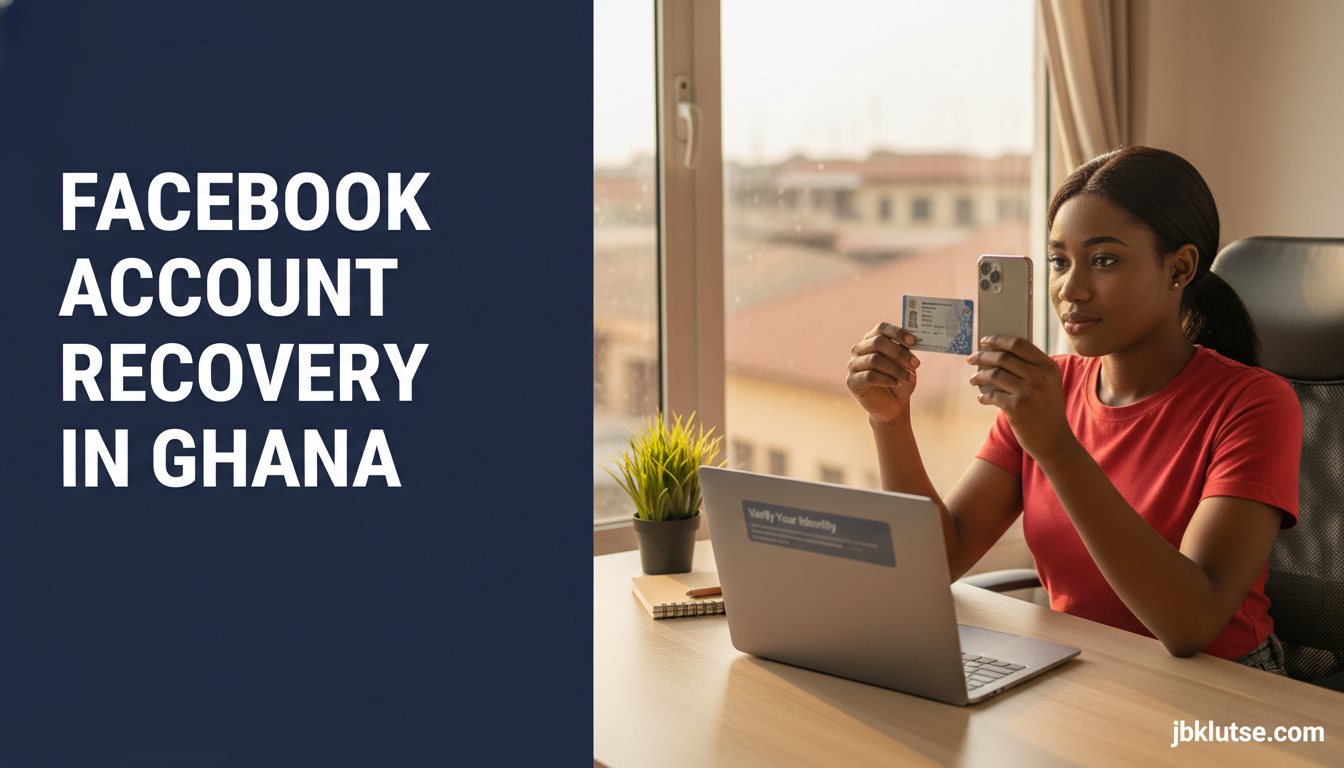
Take a clear photo of your Ghana Card front side showing your name, photo, card number, and date of birth. Ensure the card is not expired. Upload the image directly from your phone or computer. Facebook’s automated system compares the name and photo on the ID to your profile information.
Approval takes 24 to 72 hours for straightforward cases. If your profile name differs from your Ghana Card name (common for users who go by nicknames, stage names, or married names), add a note in the comment box explaining the discrepancy. Include your Ghana Card number in the note.
This method works when you have lost email and phone access but your profile name reasonably matches your legal name. It does not work if you created a fake profile with a fictional name or celebrity impersonation. Meta rejects blurry photos, expired cards, and IDs that do not match the account holder.
Recovery Method 4: Two-Factor Backup Codes
If you enabled two-factor authentication before losing access, Facebook generated ten backup codes during setup. Each code works once. Store these codes in a password manager or on paper in a secure location off your phone.
When locked out and prompted for a two-factor code, click “Try another way” and select “Use one of your backup codes.” Enter any unused code from your saved list. Facebook grants access and prompts you to download a fresh set of backup codes immediately.
Check password managers designed for Ghanaian users that store backup codes securely. Avoid saving codes in screenshots on your phone, where attackers can access them if your device is stolen or remotely compromised. Read our two-factor authentication guide for setup instructions.
Recovery Method 5: Security Questions (Legacy Accounts)
Accounts created before 2018 sometimes have security questions as a recovery option. Facebook phased this out but older profiles retain the feature. Questions include “What is your mother’s maiden name?” or “What city were you born in?”
Answer exactly as you entered it years ago. Spelling, capitalisation, and spacing must match. If you answered “Accra” originally, typing “ACCRA” or “accra ” (with a trailing space) fails verification.
This method rarely appears for accounts created after 2018. If you see it, use it. If not, skip to other methods.
What Not to Do
Scammers flood Ghanaian WhatsApp groups, Telegram channels, and Facebook comment sections offering “account recovery services” for GHS 100 to GHS 500 (April 2026). They claim insider contacts at Meta, backdoor access, or hacking tools. These are frauds. Meta employees cannot manually unlock accounts as a paid favour, and no legitimate tech support operates via WhatsApp payments to MoMo numbers.
Clicking phishing links sent in response to your public pleas for help gives attackers access to your device or credentials. Links claiming “Meta Support Portal” or “Facebook Recovery Centre” redirect to fake login pages harvesting usernames and passwords.
Never share your current password, recovery codes, or Ghana Card number with anyone claiming they need it to “verify” you. Facebook never asks for passwords during recovery. Meta staff will never contact you via personal WhatsApp or Instagram accounts.
Report recovery scams to the Cyber Security Authority at cybersecurity.gov.gh. Forward suspicious messages to MTN’s fraud unit at 0244300000 or report via the MTN Ayoba app. Check our broader cybersecurity guide for identifying scam patterns.
Preventing Future Lockouts
Add a secondary email address and backup phone number to your Facebook account now, before you need them. Go to Settings → Settings & Privacy → Settings → Contact. Add alternate contacts and verify each one by entering codes Facebook sends.
Download your two-factor backup codes if you use authentication apps. Enable login alerts so Facebook notifies you via email or SMS when someone accesses your account from an unrecognised device. Review active sessions monthly under Settings → Security and Login → Where You’re Logged In. Log out devices you do not recognise.
Set up trusted contacts before a crisis. Choose three to five people who live in Ghana, respond to messages quickly, and will not travel abroad for extended periods without notice.
Store your Ghana Card details securely. Write your card number on paper and keep it separate from your phone. If your card is lost or stolen, request a replacement from the National Identification Authority immediately to retain access to digital verification systems.
Avoid logging into Facebook on shared devices at internet cafes, libraries, or friends’ computers. If you must use public devices, always log out manually before leaving and clear browser history. Better yet, use Facebook’s mobile app on your own phone secured with a PIN or biometric lock. Read how to secure your WhatsApp account using similar principles.
Ghana-Specific Considerations
SIM registration enforcement means recovery via SMS only works if your phone number is properly registered with your Ghana Card. The NCA completed the SIM-Card-Ghana-Card linkage in September 2022. Users who skipped registration or used proxy registrations cannot receive Facebook SMS codes on those lines.
If you registered your SIM with someone else’s Ghana Card to bypass queues at MTN or Vodafone shops in 2022, recovery fails when Meta’s verification checks do not match your profile name to the SIM owner’s name. Switch your primary Facebook contact to an email address you control or re-register your SIM properly at a telco service centre.
Internet costs during recovery add up. Downloading identity documents, uploading photos, and navigating Facebook’s recovery pages consume data. An average recovery session uses 15 MB to 40 MB depending on image sizes. Budget GHS 2 to GHS 5 for data if you are on prepaid (April 2026). Use Wi-Fi at home or work where available.
National ID verification works faster in Accra and Kumasi where Meta’s review teams have higher throughput. Users in smaller towns report longer wait times, sometimes seven to ten days instead of 48 hours. Plan accordingly if your account access is business-critical.
The Cyber Security Authority recommends reporting account hijacking incidents at csirt.cybersecurity.gov.gh, particularly if attackers use your account to defraud contacts or spread misinformation. The Ghana Police Service Cyber Crime Unit investigates cases involving financial loss or threats. Visit any district police station to file a report and request a case number for Meta’s escalation process. Protect your other accounts with lessons from our email hijack recovery guide.
Business Account Recovery
Business pages, ad accounts, and creator profiles require additional steps. If you manage a business page and lose access to the personal account that administers it, recovery must happen on the personal account first. Facebook does not allow direct business page recovery without personal account access.
Add multiple page admins before a lockout. Go to your business page → Settings → Page Roles → Add another admin. Choose a trusted colleague or business partner. If the primary admin loses access, secondary admins retain page control and can remove the locked account later.
Verified business accounts with blue badges receive prioritised support. Navigate to facebook.com/business/help and submit a support ticket with your page name, page ID, Ghana Card, and business registration certificate if you operate a registered company. Response times average three to five business days.
E-commerce sellers in Facebook groups and Marketplace who lose access lose customer order history and pending transactions. Download your page data monthly under Settings → Your Facebook Information → Download Your Information. Select order data, messages, and posts. Store the archive off-platform. This backup does not restore account access but preserves transaction records for disputes or restocking.
Instagram business accounts linked to Facebook face lockout if Facebook access fails. Secure both platforms with separate recovery methods. Visit our Instagram security guide for Ghanaian businesses for linked-account protection strategies.
Technical Troubleshovers
If the Facebook recovery page does not load, clear browser cache and cookies or try a different browser. Chrome, Firefox, and Safari all work. Avoid UC Browser and older versions of Opera Mini, which sometimes cache stale login states.
Mobile app recovery differs slightly. Tap “Forgot Password?” on the login screen, then follow prompts. The app sometimes shows more recovery options than the desktop site. Try both interfaces if one fails.
VPN use during recovery triggers additional security checks. Facebook flags logins from IP addresses that do not match your usual Ghana-based location. Disable VPNs before starting recovery to avoid delays. If you normally access Facebook via VPN for privacy, turn it off temporarily, complete recovery, then re-enable.
Error messages like “We’ve received too many requests from you” mean you exceeded Facebook’s attempt limit. Wait 24 hours before retrying. Repeated rapid attempts lock you out longer and flag your account for manual review.
If recovery succeeds but you cannot access certain features (posting, messaging, ads manager), Facebook may have restricted your account pending further review. Check your Support Inbox inside Facebook for notifications explaining restrictions. Most lift within 48 hours after successful identity verification. For severe cases involving policy violations, restrictions last 30 days or become permanent.
Compare your recovery timeline against friends’ experiences. If Ghana Card verification takes longer than ten days with no response, submit a follow-up through facebook.com/help. Include your support ticket number and a second photo of your ID. Escalation cuts wait times by 30% according to Ghanaian user reports on Reddit and Nairaland forums.
Switching from SMS to email recovery mid-process resets your position in Meta’s review queue. Commit to one method and wait for its outcome before trying another unless you receive a rejection notice.
FAQs
How long does Facebook account recovery take in Ghana?
Email or SMS recovery completes in five to ten minutes if you control the contact method. Trusted contacts recovery takes one to three hours depending on friend availability. Ghana Card verification takes 24 to 72 hours for most users, up to ten days in smaller cities. Two-factor backup codes grant instant access.
Can I recover my Facebook account without email or phone number?
Yes. Use Ghana Card identity verification if your profile name matches your legal name. If you set up trusted contacts before lockout, use that method. If both fail, Facebook cannot verify account ownership and recovery becomes impossible without historical login data proving you owned the account.
Does Facebook account recovery cost money in Ghana?
No. All official Facebook recovery methods are free. Anyone demanding payment via MoMo, bank transfer, or airtime is a scammer. Meta does not charge for support, verification, or account restoration.
What if my Ghana Card name differs from my Facebook name?
Upload your Ghana Card and include a note explaining the difference. Common scenarios Meta accepts: nickname to legal name (e.g. “Kofi” to “Kwame Osei”), maiden name to married name, artistic name to birth name. Provide your Ghana Card number in the note. Approval takes longer, up to seven days instead of two.
Can I use a passport or driver’s license instead of Ghana Card?
Facebook accepts Ghanaian passports, ECOWAS biometric cards, and DVLA driver’s licenses for identity verification. Ghana Card processes faster because Meta’s West Africa systems prioritise NIA-issued IDs. If you do not have a Ghana Card, upload a passport photo page showing your name and photo clearly.
Will Facebook delete my account if I cannot recover it?
Facebook deactivates accounts after six months of inactivity but does not delete them. Deleted accounts disappear after 30 days. If you regain access within six months, your content remains intact. After six months, Facebook may disable the account pending verification, making recovery harder but not impossible.
How do I stop hackers from locking me out again?
Enable two-factor authentication via an authenticator app, not SMS. Add a backup email and phone number. Set up login alerts. Review active sessions monthly and log out unrecognised devices. Use a strong unique password stored in a password manager. Check our password manager basics guide for setup.
What if I forgot which email I used to create my Facebook account years ago?
Search your current email inboxes (Gmail, Yahoo, Outlook) for old messages from “facebook.com” or “facebookmail.com”. Check spam and trash folders going back several years. Try common variations of your name plus common Ghanaian email providers: yourname@gmail.com, yourname@yahoo.com. If all fail, use Ghana Card verification or trusted contacts.
Related Reads
- Zoom out: Cybersecurity hub for Ghanaian consumers
- Topic hub: Password and account security for Ghanaians
- Related deep-dives:
- Best password managers for Ghana (2026 comparison)
- Two-factor authentication guide for Ghanaians
- Protecting your Gmail from hijack
- What to do if your email is hacked
Closing
Facebook account lockouts hit hardest when your business page, community group, or family memories depend on that access. The Ghana Card verification path Meta added in 2025 finally gives West African users a reliable recovery method when email and phone fail, but prevention beats recovery every time. Set up trusted contacts, enable two-factor authentication, and store backup codes now while you have full access. The ten minutes you invest today saves days of lockout stress tomorrow. Follow our updates on X at @jbklutsemedia.
Sources
- Facebook Help Center: Recover Your Account
- Meta Transparency Center: Ghana Data Requests (2024)
- National Identification Authority Ghana
- Cyber Security Authority Ghana
- National Communications Authority: SIM Registration Update