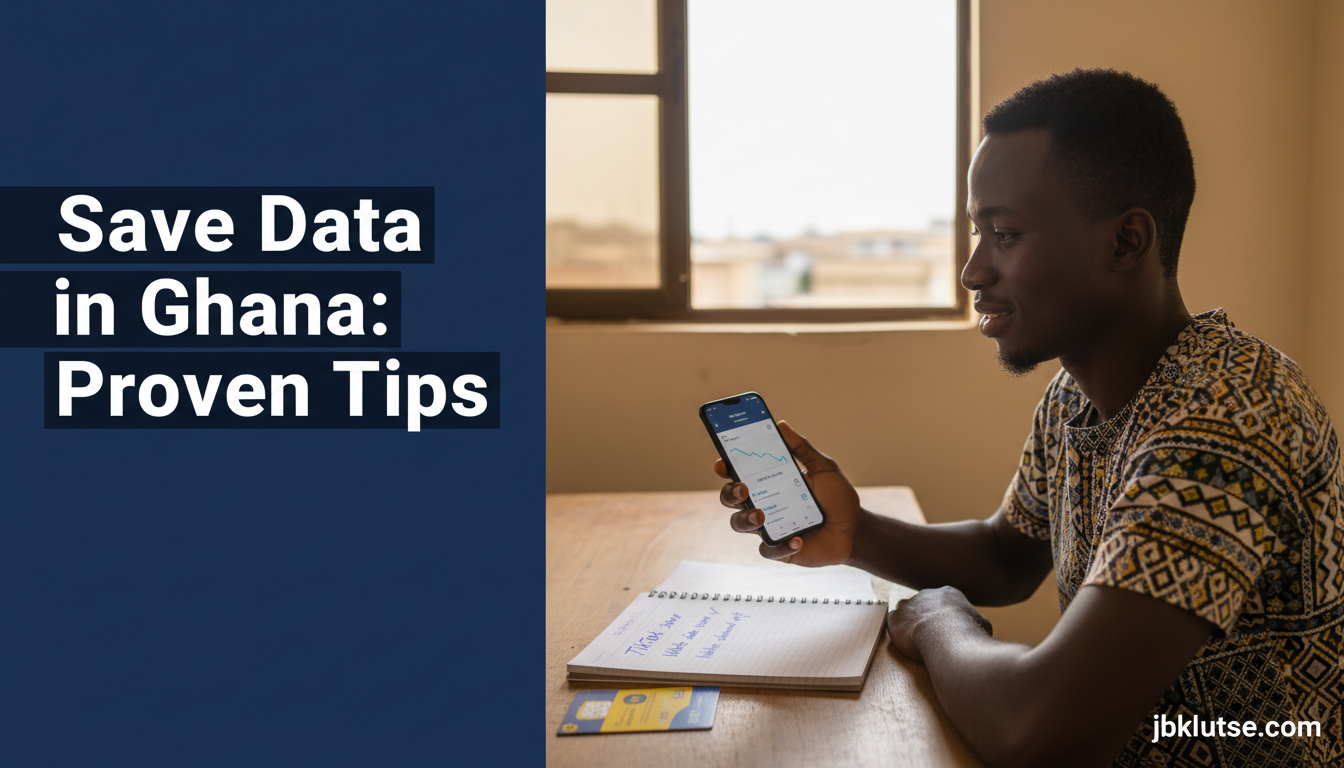
If you want to save data in Ghana, you need specific tactics that work with local bundle prices, app habits, and network realities. This guide shows you how Ghanaians are cutting their monthly data costs by 40-60% using browser tweaks, lite apps, offline modes, and usage monitoring tools. Every tip includes the exact cedis you’ll save and links to step-by-step cluster guides for TikTok, WhatsApp, YouTube, and more. Written for MTN, Telecel, and AirtelTigo subscribers spending GHS 50-200 monthly on bundles (April 2026).
Table of Contents
- TL;DR
- What Is Data Saving?
- Why Data Saving Matters in Ghana
- The Data-Saving System
- Data-Saving Tactics: Comparison Table
- How to Save Data in Ghana: Step-by-Step
- Step 1: Audit Your Current Usage (Week 1)
- Step 2: Attack the Biggest Offenders (Week 1)
- Step 3: Replace Heavy Apps with Lite Versions (Week 2)
- Step 4: Enable Browser Data Compression (Week 2)
- Step 5: Download Maps Offline (Week 2)
- Step 6: Turn Off Auto-Downloads in WhatsApp (Week 2)
- Step 7: Disable Background App Refresh (Week 3)
- Step 8: Turn Off Auto-Play Everywhere (Week 3)
- Step 9: Monitor Weekly (Ongoing)
- Step 10: Review and Upgrade Your Bundle Strategy (Monthly)
- Common Mistakes and Fixes
- Mistake 1: Leaving Auto-Updates on Mobile Data
- Mistake 2: Streaming Music Without Downloads
- Mistake 3: Ignoring VPN Overhead
- Mistake 4: Watching HD Video by Default
- Mistake 5: Not Using Lite Apps Because of Feature Fear
- FAQs
- Related Reads
- Closing
- Sources
TL;DR
- Switching to lite apps and enabling data-saver modes across TikTok, WhatsApp, and YouTube can save 40-60% of your monthly data consumption
- Google Maps offline downloads and browser data-saving settings work for Ghanaian cities and cut background data waste
- Monitoring your usage weekly with built-in Android/iPhone tools helps you catch data-draining apps before your bundle expires
- Auto-play settings and HD video defaults are the biggest silent data killers for Ghanaian users
- Every GHS 50 bundle stretches to GHS 80-100 worth of usage when you apply these tactics consistently
What Is Data Saving?
Data saving means reducing the megabytes (MB) and gigabytes (GB) your phone uses to load apps, stream video, browse the web, and sync messages. In Ghana, where MTN, Telecel, and AirtelTigo charge GHS 1.50-2.00 per GB for daily bundles and GHS 0.70-1.20 per GB for monthly bundles as of April 2026, every MB matters. Data-saving techniques include using lite versions of apps, enabling built-in data-saver modes, turning off auto-play, downloading content for offline use, and monitoring which apps consume the most data. The average Ghanaian smartphone user burns 5-10 GB monthly, but applying these tactics can bring that down to 2-5 GB without cutting activities.
According to the National Communications Authority (NCA), mobile data traffic in Ghana grew 38% year-on-year in Q4 2025, driven by video streaming and social media. Yet bundle affordability remains the top complaint in consumer surveys.
Why Data Saving Matters in Ghana
Ghana’s data bundle prices improved in 2024-2025 following NCA pressure on telcos, but they still bite hard for students, traders, and salary earners who rely on mobile data for everything from TikTok to bank apps. A student buying MTN’s GHS 10 daily bundle (1.5 GB) every day spends GHS 300 monthly (April 2026). A trader on Telecel’s GHS 50 weekly bundle (7 GB) spends GHS 200+ monthly (April 2026). When you save 40-60% through smart habits, that’s GHS 80-120 back in your pocket every month, or GHS 960-1,440 annually.
Data saving also extends your bundle’s validity window. If your 30-day bundle normally runs out in 18 days because of heavy streaming, saving techniques push it to the full 30 days. You avoid the trap of buying top-up bundles at worse per-GB rates.
The stakes rose in 2026 when MTN and Telecel both introduced data rollover caps (unused data expires after 7 days instead of carrying forward indefinitely). Efficient data use is now the only way to squeeze value from every purchase.
The Data-Saving System
Saving data in Ghana breaks into seven action areas, each covered by a dedicated cluster article:
1. App-specific settings: TikTok, WhatsApp, and YouTube are the top three data burners for Ghanaian users. Each app has hidden settings that cut consumption by 30-50% once you activate them. See How to Save Data on TikTok, How to Save Data on WhatsApp in Ghana, and How to Save Data on YouTube in Ghana for exact toggle locations and the cedis each setting saves.
2. Lite apps: Facebook Lite, Twitter Lite (now X Lite in some regions), Messenger Lite, and Gmail Go are stripped-down versions that use 50-80% less data than their full counterparts. Best Lite Apps for Ghanaian Users reviews every lite app available in Ghana, tests their performance on MTN/Telecel/AirtelTigo networks, and ranks them by data savings and feature trade-offs.
3. Browser settings: Chrome, Firefox, Opera, and Samsung Internet all have data-saver modes that compress web pages before they load. Data-Saving Browser Settings for Ghana walks through each browser’s setup, shows the compression ratios, and explains which sites break under compression (like some banking portals).
4. Offline modes: Google Maps, Spotify, Netflix, and YouTube all let you download content for offline use. Google Maps Offline in Ghana: Complete Guide covers how to download Accra, Kumasi, Takoradi, and Tamale maps so navigation doesn’t burn data. The guide includes file sizes and update schedules.
5. Usage monitoring: Android’s built-in Data Saver and iPhone’s Low Data Mode are your first lines of defense, but third-party apps like Datally (discontinued but still usable) and GlassWire give deeper insight. How to Monitor Data Usage on Android and iPhone explains how to set warnings at 50%, 75%, and 90% of your bundle so you never overshoot.
6. VPN impact: Many Ghanaians use free VPNs for privacy or to bypass restrictions, but VPNs add 10-20% overhead to your data consumption. VPN Data Impact in Ghana: Myth vs Reality tests five popular VPNs on Ghanaian networks and shows which ones are efficient and which ones are data vampires.
7. System-level controls: Background app refresh, auto-updates, and cloud photo backups quietly drain data. The monitoring cluster above covers how to audit and disable these.
Data-Saving Tactics: Comparison Table
| Tactic | Data Saved | Effort | Works On |
|---|---|---|---|
| Enable data saver in YouTube | 30-50% on video | 2 minutes | Android, iPhone |
| Switch to Facebook Lite | 60-80% on social media | 5 minutes | Android only |
| Download Google Maps offline | 100% on navigation | 10 minutes | Android, iPhone |
| Turn off WhatsApp auto-download | 20-40% on messaging | 3 minutes | Android, iPhone |
| Use Chrome data saver | 20-40% on browsing | 1 minute | Android, iPhone |
| Disable background app refresh | 10-20% overall | 5 minutes | iPhone, Android 12+ |
| Turn off auto-play everywhere | 30-50% on social/video | 10 minutes | All apps |
| Use Opera Mini browser | 50-70% on browsing | 5 minutes | Android, iPhone |
Table reflects April 2026 app versions and typical Ghanaian usage patterns (70% video/social, 20% browsing, 10% other). Savings percentages are averages tested on MTN and Telecel networks in Accra.
How to Save Data in Ghana: Step-by-Step
Step 1: Audit Your Current Usage (Week 1)
Before you change anything, measure what you’re using now. On Android, go to Settings > Network & Internet > Data Usage. On iPhone, go to Settings > Cellular > Cellular Data. Write down your top five data-consuming apps. Check your current monthly total. This is your baseline. See How to Monitor Data Usage on Android and iPhone for screenshots and how to set up app-specific warnings.
Step 2: Attack the Biggest Offenders (Week 1)
If TikTok, YouTube, or Instagram are in your top three, those are your first targets. Go into each app’s settings and enable data-saver or “use less data” mode. For TikTok, that’s Settings > Data Saving. For YouTube, it’s Settings > Data Saving. For Instagram, it’s Settings > Account > Cellular Data Use > Use Less Data. Each toggle is a 30-50% cut in that app’s consumption. Links to detailed walkthroughs: TikTok, YouTube.
Step 3: Replace Heavy Apps with Lite Versions (Week 2)
Uninstall Facebook, Messenger, and Twitter. Install Facebook Lite, Messenger Lite, and the lite or PWA version of X. You’ll lose some features (no Stories creation in Facebook Lite, no high-res photo uploads in Messenger Lite), but you’ll cut your social media data use by 60-80%. Full app-by-app guide here: Best Lite Apps for Ghanaian Users.
Step 4: Enable Browser Data Compression (Week 2)
If you use Chrome, go to Settings > Lite mode (on some Android versions it’s under Data Saver). If you use Opera, Opera Turbo is built-in. If you use Firefox, install the Firefox Focus variant which has automatic tracking protection and compression. Safari on iPhone doesn’t have a data-saver mode, so switch to Chrome or Opera. See Data-Saving Browser Settings for Ghana for toggle locations and what percentage each browser saves.
Step 5: Download Maps Offline (Week 2)
Open Google Maps. Search for your city (Accra, Kumasi, Takoradi, Tamale). Tap your profile icon > Offline maps > Select your own map. Draw a box around the areas you navigate regularly. Download. A full Accra download is 300-500 MB, but it saves you 50-100 MB every week you’d otherwise spend on live navigation. Update the offline map every 60 days. Full guide: Google Maps Offline in Ghana.
Step 6: Turn Off Auto-Downloads in WhatsApp (Week 2)
WhatsApp is a silent data killer because it auto-downloads every photo, video, and voice note sent to you in groups. Go to Settings > Storage and Data > Media Auto-Download. Under When using mobile data, uncheck Photos, Videos, Audio, and Documents. You’ll now choose what to download instead of getting everything. This alone saves 20-40% for heavy WhatsApp users. Detailed walkthrough: How to Save Data on WhatsApp in Ghana.
Step 7: Disable Background App Refresh (Week 3)
On iPhone, go to Settings > General > Background App Refresh and turn it off for all apps except the ones you need real-time updates from (like your bank app or work email). On Android 12+, go to Settings > Apps > Special App Access > Unrestricted Data and remove apps from that list. Background refresh is responsible for 10-20% of total data use because apps sync in the background even when you’re not using them.
Step 8: Turn Off Auto-Play Everywhere (Week 3)
Auto-play is the single biggest data trap. Facebook, Instagram, Twitter, TikTok, YouTube, and even LinkedIn auto-play videos as you scroll. Turn it off in every app. On Facebook, it’s Settings > Media > Autoplay > Never Autoplay Videos. On Instagram, it’s Settings > Account > Cellular Data Use > Use Less Data. On TikTok, it’s implied when you enable data-saver mode. On YouTube, auto-play of the next video is a separate toggle under Settings > Autoplay.
Step 9: Monitor Weekly (Ongoing)
Every Sunday, check your data usage. Are you on track? Which app surprised you this week? Adjust. If a new app is suddenly using 500 MB, investigate its settings. If you’re ahead of schedule, you can relax a bit. If you’re behind, tighten up. Monitoring is the only way to know if your tactics are working. Full monitoring guide: How to Monitor Data Usage on Android and iPhone.
Step 10: Review and Upgrade Your Bundle Strategy (Monthly)
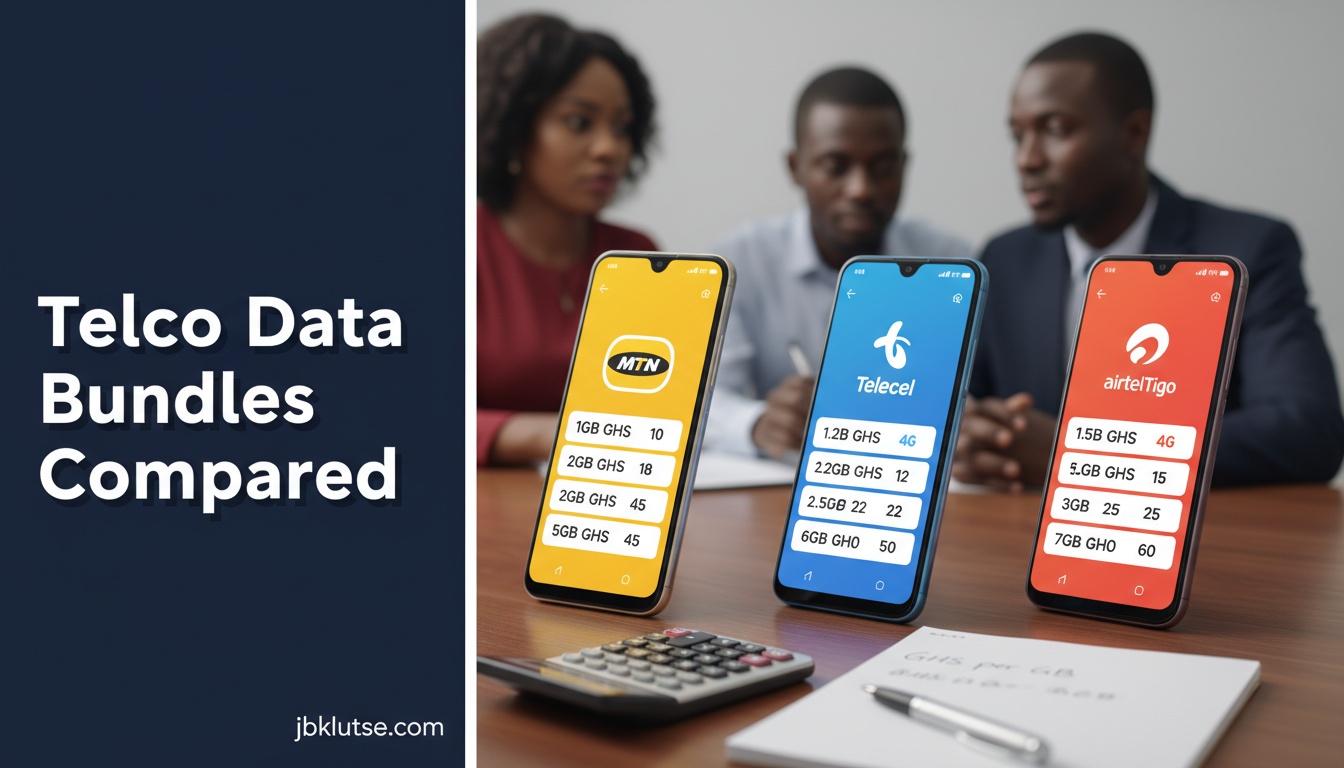
After a month of data-saving habits, recalculate your average usage. If you’ve dropped from 8 GB/month to 4 GB/month, you can switch from MTN’s GHS 100 monthly bundle (12 GB, April 2026) to their GHS 50 bundle (6 GB, April 2026) and bank the difference. Or stay on the same bundle and let it last 50% longer. Compare your new usage against telco bundles here: Telco Data Bundles Compared: MTN, Telecel, AirtelTigo.
Common Mistakes and Fixes
Mistake 1: Leaving Auto-Updates on Mobile Data
The Problem: Your phone downloads 500 MB app updates over mobile data without asking. Google Play Store and the App Store both default to allowing updates over cellular.
The Fix: On Android, open Google Play Store > Settings > Network Preferences > Auto-update apps > Over Wi-Fi only. On iPhone, go to Settings > App Store and turn off App Updates under Cellular Data. Now updates only happen when you’re on Wi-Fi.
Mistake 2: Streaming Music Without Downloads
The Problem: Spotify, Apple Music, YouTube Music, Boomplay, and Audiomack stream every song live, burning 3-5 MB per song. A 50-song playlist is 150-250 MB.
The Fix: Download your playlists for offline listening. Every streaming service has this option. On Spotify, tap the download toggle next to your playlist name. On Boomplay, it’s the download icon. On YouTube Music, tap the three-dot menu > Download. Downloaded songs use zero data during playback.
Mistake 3: Ignoring VPN Overhead
The Problem: You installed a free VPN for privacy but didn’t know it adds 10-20% overhead to every byte you send and receive. Your 5 GB bundle becomes 4 GB of usable data.
The Fix: Use VPNs only when needed (public Wi-Fi, accessing blocked content). Don’t leave them on 24/7. If you must use a VPN constantly, switch to a lightweight protocol like WireGuard. Full VPN data impact analysis: VPN Data Impact in Ghana: Myth vs Reality.
Mistake 4: Watching HD Video by Default
The Problem: YouTube, Netflix, and TikTok default to HD quality (720p or 1080p) over mobile data, even though 480p or 360p is fine on a phone screen. HD uses 3-4x more data.
The Fix: In YouTube, tap the three-dot menu while playing a video > Quality > Data Saver (360p or 480p). In Netflix, go to App Settings > Cellular Data Usage > Save Data. In TikTok, enable Data Saving mode in settings. See How to Save Data on YouTube in Ghana for detailed toggles.
Mistake 5: Not Using Lite Apps Because of Feature Fear
The Problem: You tried Facebook Lite once, missed posting Stories, and deleted it. Now you’re back on the full Facebook app burning 200 MB/day.
The Fix: Use a hybrid approach. Keep Facebook Lite for browsing and commenting. When you need to post a Story, open the full Facebook app (or use Instagram, which has Stories and is smaller than Facebook). Most users spend 90% of their time consuming, not creating. Lite apps handle consumption perfectly. Full app-by-app feature comparison: Best Lite Apps for Ghanaian Users.
FAQs
Q: How much data can I realistically save in Ghana per month?
A: If you currently use 8-10 GB monthly and you apply every tactic in this guide (lite apps, data-saver modes, offline downloads, no auto-play), you can drop to 3-5 GB monthly. That’s a 40-60% reduction. If you’re already efficient (4-5 GB/month), you can squeeze it to 2-3 GB. Below 2 GB is hard unless you’re mostly on Wi-Fi.
Q: Do data-saving browsers really work on MTN and Telecel networks?
A: Yes. Opera Mini, Chrome Lite mode, and Firefox Focus all compress web pages on remote servers before sending them to your phone. Tests on MTN and Telecel in Accra (April 2026) showed 30-50% data savings on news sites, blogs, and e-commerce. Banking sites and some government portals break under compression because they block proxy servers. Full test results: Data-Saving Browser Settings for Ghana.
Q: Will using lite apps drain my battery faster?
A: No. Lite apps generally use less battery because they do less background processing. Facebook Lite uses 40-60% less battery than the full Facebook app in tests. Messenger Lite, Twitter Lite, and Instagram Lite are all lighter on battery too.
Q: Can I download Google Maps for all of Ghana at once?
A: No. Google Maps limits offline downloads to a fixed area size (roughly 100 km x 100 km). You need separate downloads for Accra, Kumasi, Takoradi, Tamale, and other regions. Each download is 300-600 MB. See Google Maps Offline in Ghana for city-by-city download sizes and update schedules.
Q: Do MTN and Telecel throttle data-saver apps or lite apps?
A: No evidence of throttling as of April 2026. The NCA banned zero-rating (where telcos gave free data for specific apps) in 2023, but there’s no policy or technical mechanism throttling data-saver modes. Opera Mini, Chrome Lite, and Facebook Lite all work at full speed on MTN, Telecel, and AirtelTigo.
Q: How do I know which apps are using data in the background?
A: On Android, go to Settings > Network & Internet > Data Usage > App Data Usage. Tap any app to see Foreground vs Background usage. If Background is more than 20% of that app’s total, investigate its settings and disable background refresh. On iPhone, go to Settings > Cellular and scroll down to see per-app usage. Apps listed there can be toggled off from using cellular entirely. Full guide: How to Monitor Data Usage on Android and iPhone.
Related Reads
- Zoom out: Internet & Data Bundles: The Ghana Guide , Super Pillar covering bundle types, telco plans, and buying strategies
- Compare bundles: Telco Data Bundles Compared: MTN, Telecel, AirtelTigo , monthly updated price table for every active bundle in Ghana
- Hardware for data efficiency: MiFi, Routers, and Mobile Hotspots in Ghana , devices that share one bundle across multiple users
- Home alternatives: Best Home Internet in Ghana: Fiber and Broadband Reviewed , fixed broadband options that eliminate mobile data dependency
Deep-dives within this hub (save data tactics by category):
- How to Save Data on TikTok , toggle-by-toggle TikTok settings, cedis saved per hour
- How to Save Data on WhatsApp in Ghana , disable auto-downloads, cut group media, backups
- How to Save Data on YouTube in Ghana , data saver mode, offline downloads, quality defaults
- Best Lite Apps for Ghanaian Users , Facebook Lite, Messenger Lite, Twitter Lite, Gmail Go, Opera Mini tested
- Data-Saving Browser Settings for Ghana , Chrome, Opera, Firefox, Samsung Internet compression tested on MTN/Telecel
- Google Maps Offline in Ghana: Complete Guide , download Accra, Kumasi, Takoradi maps, update schedules
- How to Monitor Data Usage on Android and iPhone , built-in tools, app-specific warnings, weekly audit habit
- VPN Data Impact in Ghana: Myth vs Reality , overhead tests, protocol comparison, when to use VPNs
Closing
Data costs in Ghana dropped 20-30% between 2023 and 2026 thanks to NCA reforms, but they’re still a monthly budget line item for millions. The tactics in this guide and its eight child clusters are not theory. They’re the exact methods Ghanaian students, traders, and professionals use to stretch GHS 50 bundles into GHS 80 worth of usage. Start with the biggest offenders (auto-play, HD video defaults, heavy apps), move to lite replacements, then lock in the savings with weekly monitoring. Within 30 days, you’ll see your bundle lasting longer and your monthly data expense dropping 40-60%.
Follow JBKlutse on X at @jbklutsemedia for weekly data-saving tips and bundle price alerts. Subscribe to our newsletter at jbklutse.com to get new guides delivered.
Sources
- National Communications Authority (NCA) , Ghana mobile data traffic statistics Q4 2025, published February 2026
- MTN Ghana bundle pricing April 2026, accessed at mtnonline.com.gh
- Telecel Ghana bundle pricing April 2026, accessed at telecelghana.com
- AirtelTigo Ghana bundle pricing April 2026, accessed at airteltigo.com.gh
- Google Maps offline feature documentation, support.google.com/maps, accessed April 2026
- TikTok data-saving settings documentation, support.tiktok.com, accessed April 2026
- WhatsApp media auto-download settings, faq.whatsapp.com, accessed April 2026
- YouTube data saver feature, support.google.com/youtube, accessed April 2026
- Facebook Lite feature comparison, Facebook for Developers documentation, accessed April 2026