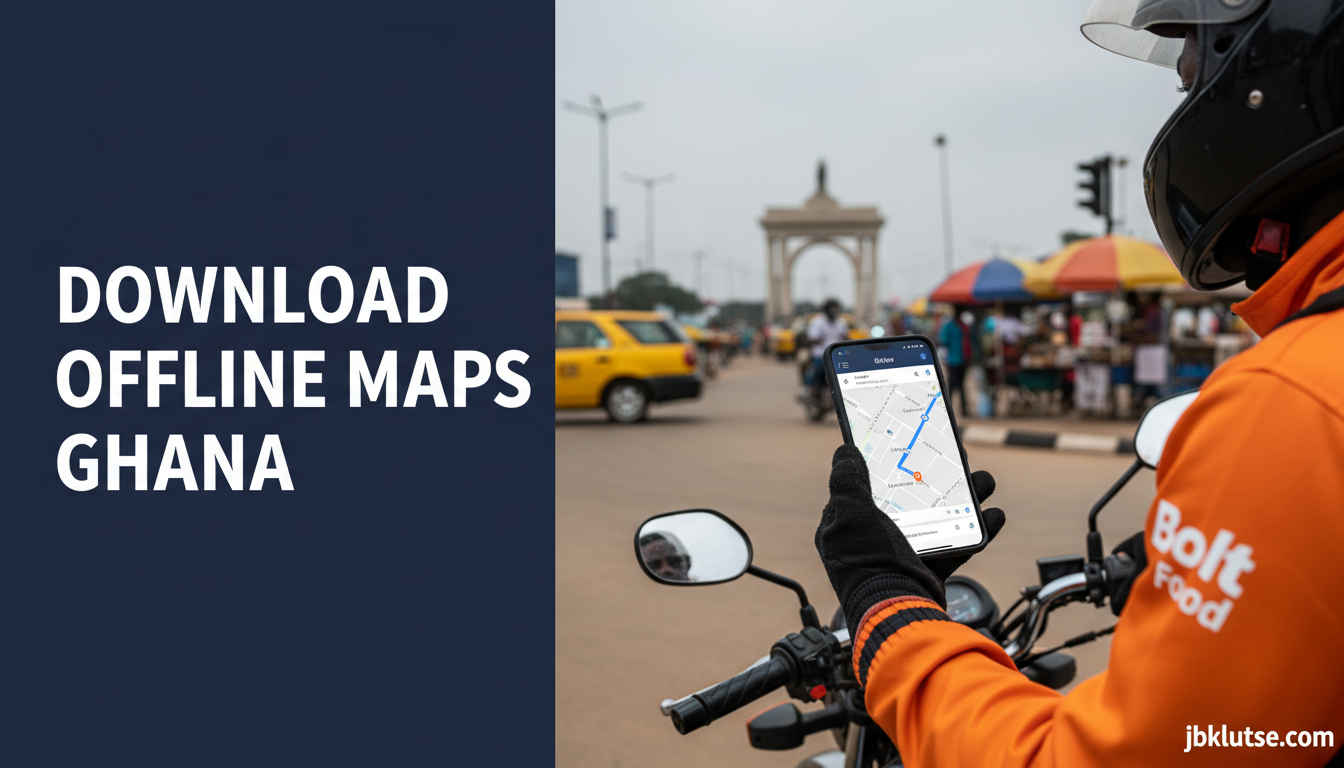
Using offline maps Ghana through Google Maps can cut your navigation data costs from GHS 15–20 per week (April 2026) to nearly zero while keeping full turn-by-turn directions across Accra, Kumasi, Takoradi, and every district in the country. This guide walks you through downloading maps for offline use, managing storage on Android and iPhone, updating your maps without burning bundles, and troubleshooting the most common issues Ghanaian users face when their connection drops mid-route.
Table of Contents
- TL;DR
- Why Offline Maps Matter in Ghana
- How to Download Offline Maps on Android
- How to Download Offline Maps on iPhone
- Managing and Updating Offline Maps
- What Works Offline vs What Requires Data
- Data Savings: Real Numbers from Ghanaian Use Cases
- Common Issues and Fixes
- Storage Management Tips for Low-End Phones
- Offline Maps vs Mobile Data: Cost Comparison
- Ghana-Specific Considerations
- Related Reads
- FAQs
- Closing
- Sources
Google’s offline mode works identically on MTN, Telecel, and AirtelTigo networks because the maps live on your phone storage, not the cloud. Once downloaded, you navigate without touching your data bundle until you need live traffic updates or business hour changes.
TL;DR
- Download Ghana’s full map (roughly 380 MB) once, navigate offline for 30 days before needing a refresh
- Offline mode cuts navigation data use by 80–90% compared to streaming maps
- Works on Android and iPhone with identical steps, but Android users can store maps on SD cards
- Update maps on Wi-Fi to avoid bundle drain (each update uses 50–120 MB depending on area size)
- Live traffic, business hours, and reviews require a data connection, but routes and street names stay functional offline
Why Offline Maps Matter in Ghana
Google Maps uses 5–10 MB per hour when streaming directions in real time. For a driver spending 2 hours daily in Accra traffic, that’s 300–600 MB per month just for navigation. At current MTN and Telecel rates (roughly GHS 0.80–1.20 per 100 MB depending on your bundle tier, April 2026), you’re paying GHS 2.40–7.20 monthly for a service you can access once offline for free.
The offline download is a one-time 380 MB hit for the entire country or 60–120 MB per major city. Compare that to streaming the same routes 20 times over a month and the savings become obvious.
Offline maps also protect you when your bundle runs out mid-route or when you’re in rural areas where MTN and Telecel coverage drops to 2G speeds. The map stays fully functional. You lose real-time traffic colours and updated business info, but the core navigation (street names, turn-by-turn voice guidance, estimated arrival times based on speed limits) continues working.
Ghana’s road network changes slowly. The offline map you download in January 2026 remains 95% accurate through February and March unless a major highway realignment happens. Google pushes map updates monthly, but you control when to pull them down.
How to Download Offline Maps on Android
- Open Google Maps and connect to Wi-Fi (avoid downloading on mobile data unless you have a large unused bundle expiring soon).
- Tap your profile picture (top right corner).
- Select Offline maps from the menu.
- Tap Select your own map.
- Zoom and pan to cover the area you need. For Accra and its suburbs (Tema, Kasoa, Madina, Legon), draw a rectangle that captures the full Greater Accra Region. For country-wide coverage, zoom out until Ghana fits in the selection box.
- Tap Download (the file size appears below the button).
- Name the map something useful like “Accra Metro” or “Ghana Full” so you remember what it covers when managing storage later.
- Wait for the download to finish (380 MB takes 4–8 minutes on fast Wi-Fi, longer on slower connections).
The map saves to your phone’s internal storage by default. If you have an SD card and want to move maps there to free internal space:
- Go to Settings > Apps > Google Maps > Storage.
- Tap Change and select SD card as the storage location.
- Move existing maps by going back to Offline maps, tapping the three dots next to each map name, and selecting Move to SD card.
Android users on phones with 32 GB or less internal storage should use the SD card option. The full Ghana map plus cached search data can balloon to 500–600 MB over time.
How to Download Offline Maps on iPhone
The process mirrors Android with minor interface differences:
- Open Google Maps on Wi-Fi.
- Tap your profile picture (top right).
- Select Offline maps.
- Tap Select your own map.
- Zoom and drag to frame your coverage area.
- Tap Download and confirm the file size.
- Name the map.
iPhones do not support SD card storage, so the map lives in your internal storage. If you’re on a 64 GB iPhone with 10 GB free, downloading the full Ghana map (380 MB) is safe. If you’re under 5 GB free, download only your immediate city and surroundings (Accra alone is roughly 85 MB, Kumasi 60 MB).
To check your available storage: Settings > General > iPhone Storage. If Maps is consuming more than 1 GB total, delete old offline areas you no longer use.
Managing and Updating Offline Maps
Offline maps expire after 30 days. Google prompts you to update them before expiration. You can also manually refresh:
- Open Offline maps from your profile menu.
- Each saved map shows its download date and expiration countdown.
- Tap Update next to any map nearing expiration.
- Updates pull only changed data (typically 50–120 MB, not the full original size).
Set updates to happen automatically on Wi-Fi only:
- Go to Settings in Google Maps (tap profile picture, then the gear icon).
- Scroll to Offline maps settings.
- Toggle Auto-update offline maps to ON.
- Ensure Download over Wi-Fi only is enabled (this prevents accidental bundle drain).
If you forget to update and the map expires, navigation defaults back to online streaming. You’ll notice immediately because your data usage spikes. Re-download the map on Wi-Fi to restore offline mode.
What Works Offline vs What Requires Data
Works fully offline:
– Turn-by-turn navigation with voice guidance
– Street names, route distances, estimated times (based on speed limits, not current traffic)
– Saved places and starred locations
– Basic business names and addresses if they were indexed before download
– Satellite view (if you downloaded the map with satellite imagery enabled, which increases file size by 30–40%)
Requires a data connection:
– Live traffic colours (red, yellow, green road overlays)
– Real-time ETAs adjusted for current congestion
– Business hours, phone numbers, reviews
– Public transport directions (trotro, bus, Uber, Bolt pricing)
– Searching for new places not saved before going offline
– Sharing your location or receiving shared locations from others
– Street View imagery
For most daily commutes in Accra, Kumasi, or Takoradi, offline mode handles 90% of your needs. You fire up data only when you need to check if Silverbird Cinemas is open before driving there or when you want to compare Uber vs Bolt pricing.
Data Savings: Real Numbers from Ghanaian Use Cases
A trotro driver running Google Maps 8 hours daily in Accra uses roughly 2.5 GB per month if streaming maps continuously. That’s a full weekly bundle on MTN (GHS 10 for 2 GB, so GHS 40+ monthly, April 2026).
Same driver with offline maps downloaded uses roughly 200–300 MB monthly (just for the occasional traffic check and address search). That fits in a GHS 5 weekly bundle (April 2026) with room to spare. Monthly savings: GHS 30+.
A private car owner navigating 1 hour daily (home to work, errands on weekends) spends 150–300 MB monthly streaming. Offline cuts that to under 50 MB (updates and occasional live traffic). Savings: GHS 2–5 monthly (April 2026) (small individually, but it compounds with other data-saving habits across WhatsApp, YouTube, TikTok).
For delivery riders (Glovo, Bolt Food, Jumia), offline maps are essential. These workers navigate 6–10 hours daily and cannot afford GHS 50–70 monthly in navigation data (April 2026). Download the Greater Accra map, update it weekly on shop Wi-Fi, and data costs drop by 85%.
Common Issues and Fixes
“Download failed” or “Cannot download map area”:
– Your selection is too large. Google caps offline downloads at roughly 1 GB per region. If you’re trying to download all of Ghana plus neighbouring countries, shrink the box to Ghana only.
– Your storage is full. Free up 500 MB minimum before retrying.
“Map expired and auto-update isn’t working”:
– Check that Download over Wi-Fi only is enabled and that you’ve connected to Wi-Fi recently. If you never connect to Wi-Fi, the map won’t update. Manually update using mobile data (costs 50–120 MB but cheaper than streaming for a month).
“Navigation says ‘Connect to the internet’ even though I downloaded the map”:
– Your start or end point is outside the downloaded area. Zoom out and check if your route crosses the boundary. Extend your offline map to cover the full route.
– The app cached an old error. Force-stop Google Maps, clear its cache (Settings > Apps > Google Maps > Storage > Clear Cache), and reopen.
“Offline map is using too much storage”:
– Delete old maps you no longer need (other cities, expired maps you forgot to remove).
– On Android, move maps to SD card.
– Reduce the coverage area. You don’t need the entire Northern Region if you live in Accra. Download only your metro area and a 30 km radius around it.
“Map is outdated, new roads missing”:
– You downloaded the map months ago and haven’t updated. Offline maps reflect Google’s data at download time. Update monthly to catch new roads, flyovers, and address changes.
Storage Management Tips for Low-End Phones
If you’re on a 16 GB or 32 GB Android phone (common entry-level models in Ghana), storage fills fast. Offline maps compete with WhatsApp media, apps, and system files. Strategies:
- Download only your immediate city, not the full country. Accra Metro (85 MB) vs Ghana Full (380 MB) is a 295 MB difference.
- Use an SD card if your phone supports it. Move offline maps and large apps to the card, keep only system essentials on internal storage.
- Clear Google Maps cache monthly (Settings > Apps > Google Maps > Storage > Clear Cache). This removes temporary data (search history, cached tiles you don’t need offline) without deleting your downloaded maps.
- Uninstall apps you haven’t opened in 30 days. Free up 200–500 MB, then you have breathing room for offline maps.
The Best Lite Apps for Ghanaian Users guide covers additional storage-saving swaps (Facebook Lite, Messenger Lite, Files by Google for automated junk cleanup).
Offline Maps vs Mobile Data: Cost Comparison
This table assumes MTN Ghana bundle prices as of April 2026. Telecel and AirtelTigo rates are within GHS 0.50 of these figures.
| Usage pattern | Monthly data (streaming) | Cost (streaming) | Monthly data (offline) | Cost (offline) | Savings |
|---|---|---|---|---|---|
| Light user (5 hrs/month) | 50 MB | GHS 0.50 | 10 MB | GHS 0.10 | GHS 0.40 |
| Commuter (1 hr/day, 30 days) | 300 MB | GHS 3.00 | 50 MB | GHS 0.50 | GHS 2.50 |
| Delivery rider (8 hrs/day) | 2.5 GB | GHS 40.00 | 300 MB | GHS 3.00 | GHS 37.00 |
| Taxi driver (10 hrs/day) | 3 GB | GHS 48.00 | 400 MB | GHS 4.00 | GHS 44.00 |
The one-time 380 MB download costs roughly GHS 3.80 (April 2026) on a standard MTN bundle. You recoup that in week one if you’re a daily user. For delivery and taxi drivers, the payback period is under 48 hours.
Ghana-Specific Considerations
Telco coverage and offline maps:
All three major networks (MTN, Telecel, AirtelTigo) treat offline maps identically because the data lives on your device. When your signal drops to 2G or no service in rural areas (common on Accra-Kumasi Highway stretches, parts of Volta Region, northern corridors), offline maps keep working. The moment you reconnect, Google syncs any changes (new saved places, edited routes) but core navigation never pauses.
Storage on Ghanaian phones:
Entry-level Android phones sold at Circle, Kantamanto, or Melcom (brands like Tecno, Infinix, itel) typically ship with 16–32 GB internal storage. After system files and pre-installed apps, users have 8–15 GB free. The 380 MB Ghana map fits comfortably, but users should delete unused apps first or move maps to SD card if storage is tight.
iPhone users in Ghana (mostly SE, 11, 12 models at Franko Trading, Microtrends, Deus) have 64–128 GB, so storage is rarely an issue unless the phone is several years old and cluttered with WhatsApp media.
Wi-Fi access for downloads:
Home broadband penetration in Ghana is low outside Accra and Kumasi. Most users rely on mobile hotspots or workplace/campus Wi-Fi to download large files. If you don’t have home Wi-Fi, visit a cafe (Kofi & Cream in Osu, Republic Bar in Labone, Java House in Airport), a university campus (KNUST, Legon, UPSA all have open-access zones), or your office. Download the map once, update monthly, and you’re set.
Expiration and bundle timing:
If your weekly bundle expires on Friday and you have 200 MB unused, use it to update your offline map rather than letting it waste. The update is smaller than the initial download (50–120 MB) and prevents you from burning a fresh bundle next week.
Regulatory angle:
The National Communications Authority (NCA) and Ministry of Communications have no restrictions on offline map use. Google Maps data is pre-approved internationally, and downloading for personal navigation falls under fair use. No licensing or reporting requirements exist for individual users.
Related Reads
- Zoom out: Internet & Data Bundles (Super Pillar)
- Topic hub: How to Save Data in Ghana: Practical Tips That Work (Parent Hub)
- Related deep-dives:
- How to Save Data on WhatsApp in Ghana
- How to Save Data on YouTube in Ghana
- How to Monitor Data Usage on Android and iPhone
- Best Lite Apps for Ghanaian Users
FAQs
How long do offline maps last before I need to update them?
Google Maps offline areas expire after 30 days. The app prompts you to update before expiration. If you ignore the prompt, navigation defaults to online streaming. Update manually on Wi-Fi or enable auto-update in settings to avoid bundle drain.
Can I use offline maps while driving for Uber or Bolt?
Yes. Offline maps provide full turn-by-turn navigation. The Uber or Bolt driver app overlays your route on the offline map. You lose real-time traffic data, but the core navigation (street names, turns, distances) works. Most riders won’t notice because arrival times stay accurate unless traffic is unusually bad.
Do offline maps work in rural areas with no signal?
Completely. Once downloaded, the map doesn’t need a connection. GPS satellites provide your location, and the offline map renders streets, towns, and routes. You lose business search and live traffic, but basic “get me from Village A to Town B” navigation works perfectly.
What happens if I cross the boundary of my downloaded map?
Google Maps switches to online mode for the area outside your offline boundary. Navigation continues, but it starts using data. If you’re on a trip that crosses regions, download overlapping maps (e.g. Accra Metro + Eastern Region) to cover the full route offline.
Can I download multiple offline maps for different cities?
Yes. Download Accra, Kumasi, Takoradi, Tamale separately and name each map by city. They coexist in your storage. Total size: roughly 250–300 MB for all four cities. Update them independently based on how often you visit each location.
Does offline mode drain my battery faster?
Slightly. GPS tracking uses more power than cell tower location, but the difference is small (5–10% over an 8-hour day). Keep your phone charged while driving if you’re navigating for extended periods. The data savings far outweigh the minor battery impact.
Can I share my location with someone while using offline maps?
No. Location sharing requires an active data connection because Google needs to upload your coordinates in real time. Offline maps let you navigate, but real-time features (location sharing, traffic, live ETA updates) need data.
Will offline maps work if I’m using a VPN?
Yes, because offline maps don’t touch the network at all. VPN status is irrelevant. When you go online to update the map or check traffic, the VPN applies as normal (see VPN Data Impact in Ghana: Myth vs Reality for how VPNs affect data use).
Closing
Offline maps in Ghana are the simplest data-saving tactic with the biggest return. Download once on Wi-Fi, navigate for 30 days without touching your bundle, and update monthly to stay current. Pair offline maps with data-saving browser settings, TikTok data controls, and smart bundle management (covered in the Data Bundles Super Pillar) to cut your monthly mobile internet bill by 30–50% without losing functionality.
Follow our updates on X at @jbklutsemedia for new data-saving guides, bundle deals, and telco news as it breaks.
Sources
- Google Maps Help: Use offline maps
- MTN Ghana data bundle pricing (April 2026)
- Telecel Ghana data bundles
- AirtelTigo data plans
- National Communications Authority (NCA) Ghana