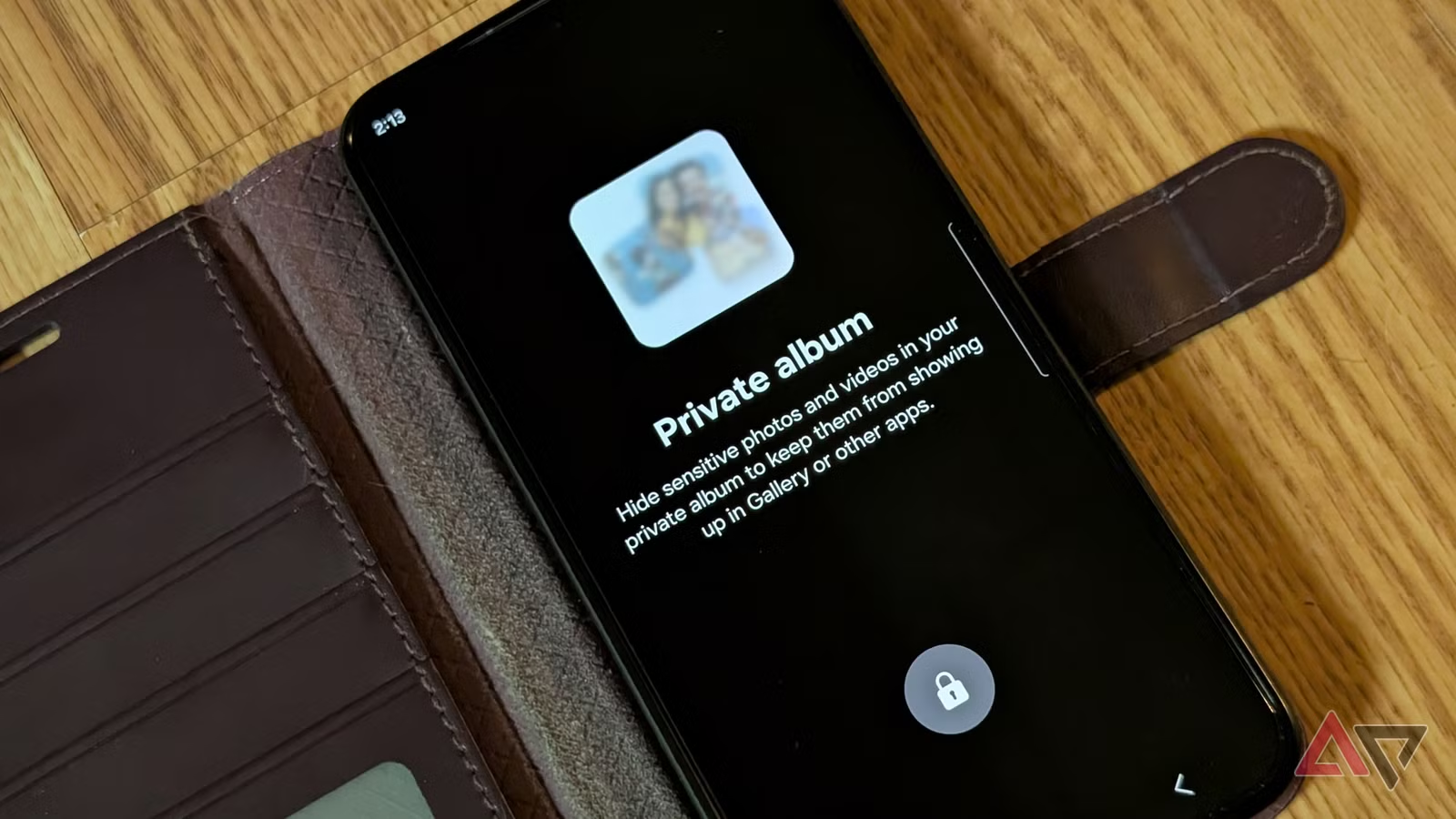
You know that feeling when someone borrows your phone and starts scrolling through your photos? Samsung just made it easier to protect the ones you’d rather keep private.
The company has added a Private Album feature to its Gallery app in One UI 8.5. It’s a hidden folder where you can stash photos and videos that won’t show up when someone else is browsing your phone.
What is Samsung Galaxy Private Album and why does it matter?
Private Album is a locked vault inside Samsung Gallery. When you move photos there, they’re hidden from normal browsing. They won’t pop up in search results or appear if a friend scrolls through your gallery.
Think of it like a locked drawer in your house: the photo is still there, but it’s behind a door that requires authentication to open.
For Ghanaian Android users who value privacy but don’t want the hassle of separate apps, this is a quick fix. You don’t need to download anything extra. If you own a recent Samsung Galaxy phone (like the S25+), the feature is already there.
How do you use it?
It’s straightforward:
- Long-press the photo you want to hide
- Tap “More” in the toolbar
- Select “Move to Private”
The photo moves to Private Album and disappears from your main gallery. To view it again, you’ll need to unlock Private Album the same way you unlock your phone (face, fingerprint, or PIN).
What’s the catch?
Private Album provides secure protection for your hidden photos. However, it’s worth noting that you should be cautious when managing your Gallery app data to avoid any potential loss of stored content.
As with any local storage solution, it’s good practice to maintain backups of important photos elsewhere.
Should you use it?
If you have personal photos that aren’t highly sensitive but you don’t want casual snooping, yes. Samsung also offers Secure Folder and Private Space for users who need additional privacy options.
Private Album sits in the middle: simple, quick, and good enough for everyday privacy concerns.
What to do now: If you own a Samsung Galaxy with One UI 8.5 or newer, open Gallery, long-press a photo, and try moving it to Private Album. Get familiar with the feature before you actually need it. And remember: back up anything truly important to cloud storage (Google Photos, OneDrive, or another service) as a safety net.
Sources:


Leave a Reply