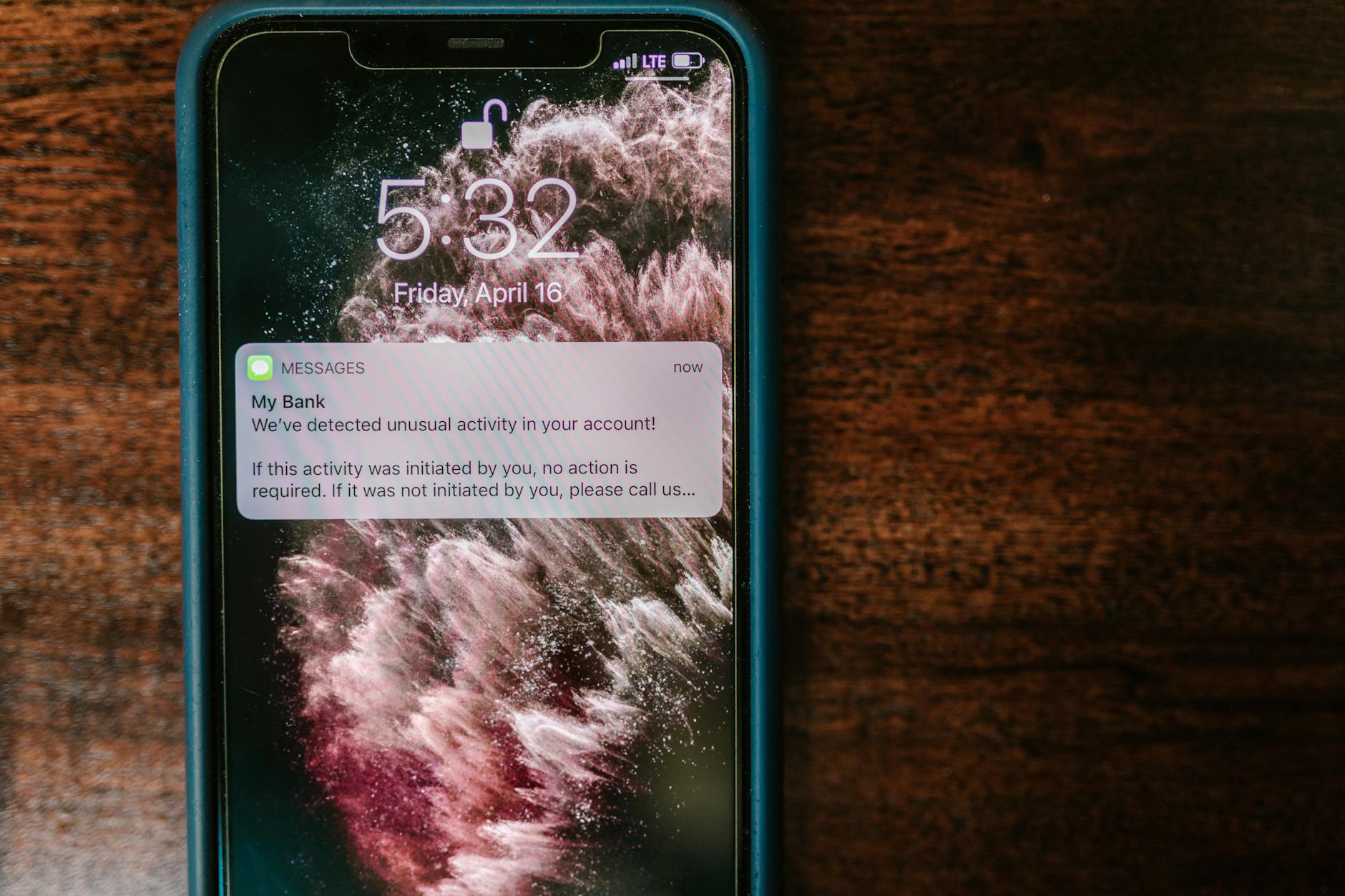
Photo by RDNE Stock project on Pexels
Your phone notifications are broadcasting your private messages to anyone with access to your device, even after you delete the app or the conversation. In Ghana, where SIM swap fraud and device theft are real concerns, this is worth understanding.
What’s the Problem With Notifications?
Recently, US law enforcement extracted private messages from an iPhone using a database that most users don’t even know exists. The trick: notification previews get logged by iOS (Apple’s operating system) even after you delete the app. Delete Signal? The FBI could still see what those messages said, because a copy was stored in the phone’s notification logs.
Think of it like this. When a message arrives, your phone shows you a preview in a notification. Your phone also records that preview in a hidden database for system housekeeping. When you delete the app, the notification log stays behind—like evidence at a crime scene.
If someone steals your phone, gets past your lock screen, or law enforcement gains access with specialized tools, they can pull those logs and read what your friends sent you.
Does This Affect Ghanaian Phones?
Yes. If you use an iPhone or Android phone in Ghana, the same system exists on your device. Apple has released a software update (iOS 18.4.2) that cleans up these logs better, so update your phone immediately.
But here’s the reality: most notification-based attacks require physical access to your unlocked or recently-unlocked phone, plus specialized hacking tools. A random thief won’t have these tools. However, if your phone is seized by authorities or stolen by someone with technical skills, this matters.
How to Lock Down Your Notifications
Stop message previews from showing. If the preview never appears, it never gets logged. In Signal, tap your profile picture (top left), then go to Notifications and select “Hide” next to “Show message content”. In WhatsApp on iPhone, go to Settings > Notifications > Show preview and toggle it off.
Turn off all notifications for sensitive apps. Go to Settings > Notifications on both iOS and Android, pick the app (Signal, WhatsApp, etc.), and disable “Show previews” or block notifications entirely. Yes, you’ll miss some alerts, but your messages stay private.
Reboot your phone regularly. This clears temporary data and makes it harder for someone with specialized tools to access old logs. Once a week is good practice.
Never leave your phone unlocked. Always use a strong PIN or biometric lock (fingerprint or face). A locked phone—especially one that has been rebooted—is much harder to break into.
What Should You Actually Worry About?
Be realistic. The average phone thief in Accra or Kumasi won’t have FBI-grade hacking tools. But if you’re concerned about:
- Domestic surveillance or harassment
- Law enforcement scrutiny
- A tech-savvy person gaining access to your phone
…then hiding notification previews and rebooting regularly are sensible precautions.
The Bigger Picture
You can only protect your half of a conversation. Ask your friends and family to do the same—turn off their notification previews too. If you’re sending sensitive information, use apps with end-to-end encryption (Signal is stronger than WhatsApp), and remember that the other person’s phone is also vulnerable.
What to do now: Update your phone to the latest iOS or Android version. Then go to Settings > Notifications and hide message previews for Signal, WhatsApp, and any other messaging app you use. Reboot your phone once a week.
Leave a Reply