
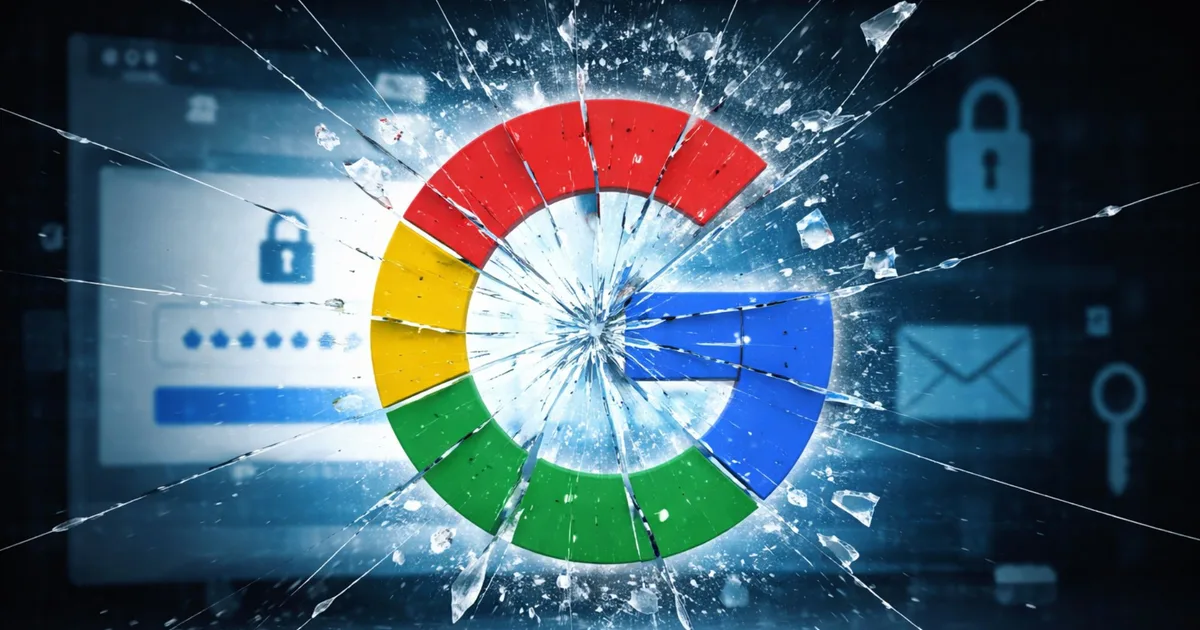
Meta, the company that owns Instagram, revealed that hackers stole over 20,000 Instagram accounts using a flaw in its AI-powered customer support system. If you use Instagram from Ghana or anywhere else, this is worth understanding because the attack targeted a tool many people use to regain access to locked accounts.
What Happened
Meta has an AI support tool called High Touch Support (HTS) that helps people reset their Instagram passwords if they’ve been locked out. Hackers found a bug in this system: when someone asked for a password reset, the tool didn’t properly check whether the email address they provided actually belonged to that Instagram account.
So attackers could request a password reset using any email address they wanted, and the system would send the reset link to that email. Once they changed the password, they could log into accounts they didn’t own.
The catch: this only worked if the account owner hadn’t turned on two-factor authentication (2FA), an extra security layer that requires you to confirm login attempts on your phone.
What Could the Hackers Access
Meta says it found no evidence the attackers stole specific personal data, but they could have accessed:
- Your email address and phone number
- Private messages and chats
- Photos, videos, and stories
- Profile information (bio, profile photo)
- Your login history and activity
- Links to other accounts connected to Instagram
The breach likely started on April 17, 2026, and was discovered on May 31.
How to Protect Yourself Right Now
Turn on two-factor authentication. This is the single most important step. Even if a hacker has your password, 2FA stops them from logging in because they need access to your phone or email to confirm.
Here’s how on Instagram: go to Settings, then Security, then turn on “Two-Factor Authentication.” Choose SMS (text message) or an authenticator app.
Change your password. Use a password you’ve never used before, at least 12 characters long, with numbers, symbols, and mixed-case letters.
Review your login activity. Go to Settings, then Security, then “Where You’re Logged In.” Log out of any sessions you don’t recognize.
Check connected apps. Go to Settings, then Apps and Websites. Remove anything you don’t use anymore.
What Meta Did
Meta shut down the buggy support tool immediately and forced all 20,225 affected accounts into a security checkpoint where users had to reset their passwords again. The company said it will fix the email verification bug before relaunching the tool and will check similar password-reset systems across all its platforms (Facebook, WhatsApp, etc.) for the same problem.
Bottom line: Don’t wait. Enable two-factor authentication on your Instagram account today. If you ever use Meta’s support tool to recover an account, assume that tool is now safer, but 2FA is your real insurance against account theft.
Leave a Reply