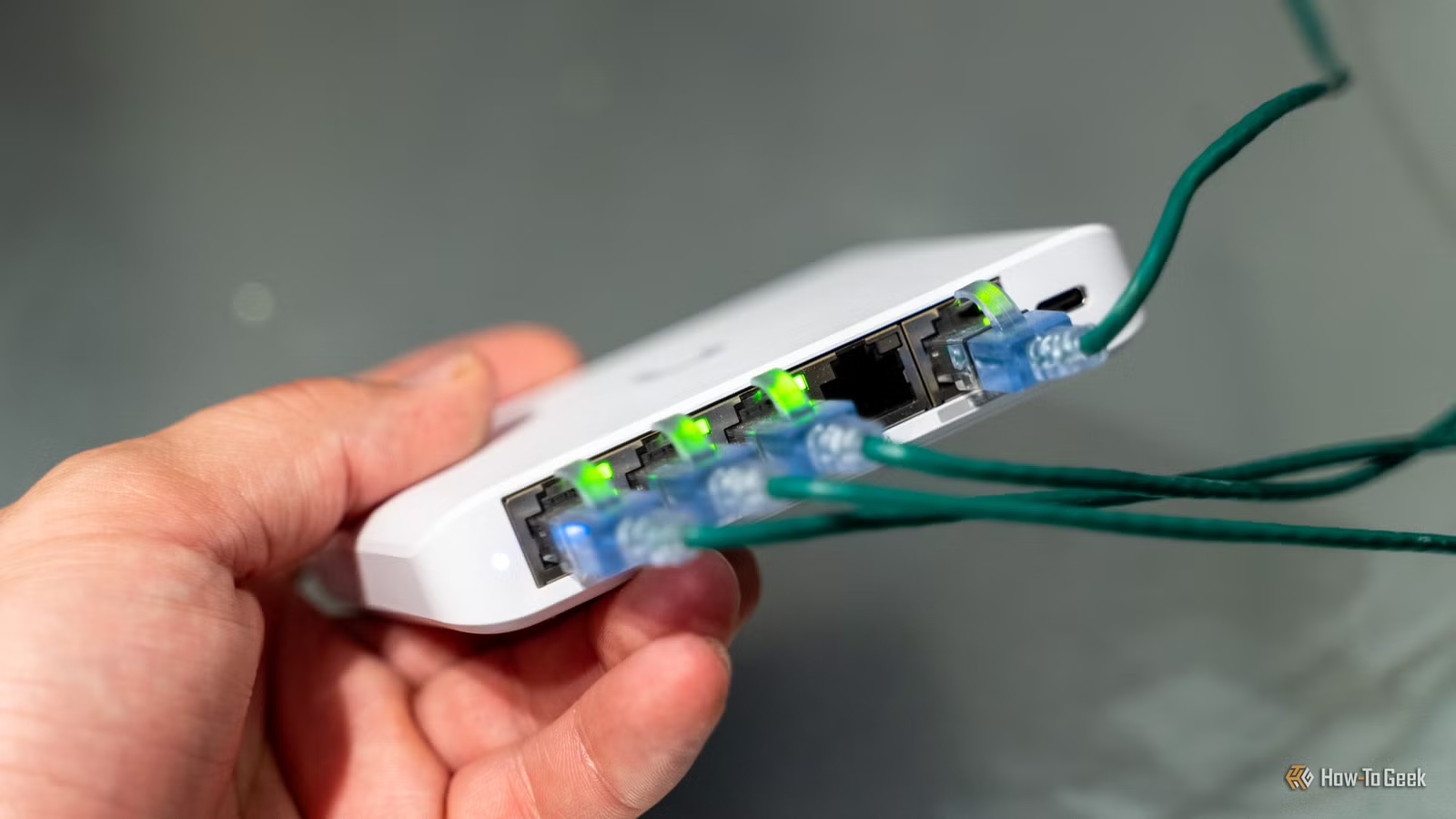
If your home internet feels slow even though you’re paying for fast speeds, your ethernet cable might be the culprit. Most people don’t think about the cable connecting their router to their computer or TV, but it matters more than you’d think.
Here’s the simple truth: Cat5 cables are obsolete and probably bottlenecking your connection right now.
Why your ethernet cable matters
All ethernet cables look similar (they all have the same connector), but the wiring inside differs depending on the cable category or “Cat” rating. Each category is rated for a maximum speed.
Think of it like a water pipe: if your water company can pump 10 liters per second, but your home pipe only handles 1 liter per second, you’ll never get the full flow. Same with internet cables.
If you have fast fiber internet at home but connect with a Cat5 cable, you’ll only get the cable’s maximum speed, which is 100 Mbps (megabits per second).
What the cable categories actually mean
Cat5: Maxes out at 100 Mbps. Officially obsolete. Throw it out unless you specifically need slow speed for some device.
Cat5e: Handles gigabit speeds (1,000 Mbps). This is what most homes have now and it’s still fine for most people.
Cat6 and Cat6a: Both rated for 10 Gbps (10 times faster than gigabit). Cat6a has better shielding for longer runs. If you’re installing new cables, go with Cat6.
Cat7 and Cat8: For data centers and serious offices. You don’t need these at home.
How to check what cable you have
Look along the cable itself. Most cables have their category printed on them repeatedly, like “Cat5e” or “Cat6”. If yours doesn’t, you can check your computer’s network settings to see the actual speed it’s negotiating.
On Windows: Settings > Network settings > Advanced network settings. You’ll see “Link speed” listed there.
Should you upgrade right now?
If you have Cat5e, you’re fine for now. Don’t dig old cables out of your walls.
But if you find Cat5 cables anywhere, replace them. They’re inexpensive—a good Cat5e or Cat6 cable typically costs just a few dollars. If you’re running a new cable or doing upgrades, pick Cat6 for future-proofing.
The upgrade is worth it because Cat5 cables will limit your speed no matter how good your internet plan is. With Cat5e or Cat6, you’re future-proofed for faster internet when it arrives in your area.
Action: Check one of your ethernet cables right now. If it says “Cat5” (not Cat5e), buy a Cat5e or Cat6 replacement. It’s an inexpensive upgrade that could fix mysterious slow speeds.


Leave a Reply