Cyber Tips With Jbklutse – October 19 There’s an app for everything — shopping, dating, banking, even finding shortcuts for daily tasks. But not every app deserves a spot on your phone.
Today on our Cyber Tips with JBKlutse – October 19 series, we shall be talking about unsafe mobile apps — how fake or malicious applications can steal your personal data without you realizing it.
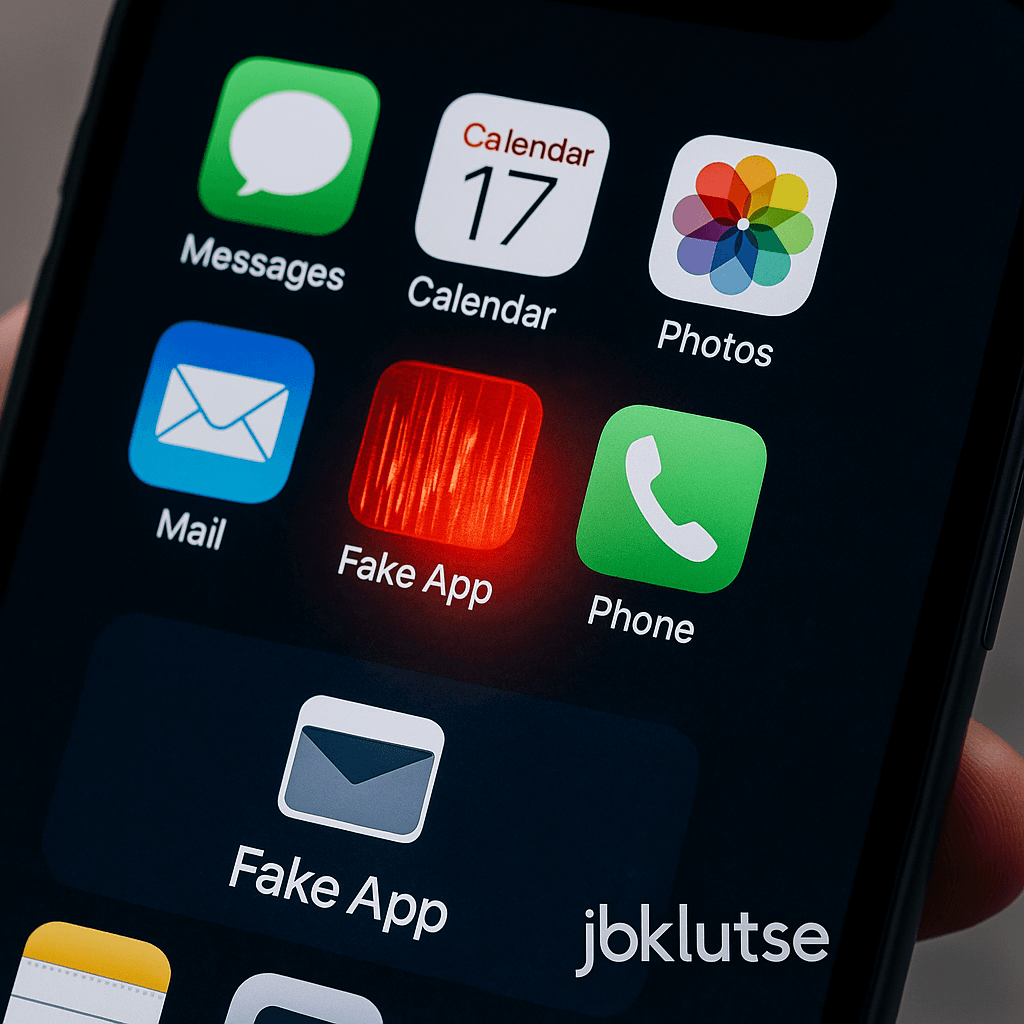
Cybercriminals now create apps that look genuine, complete with reviews, logos, and permissions that seem harmless. Once installed, they can track your activity, read messages, or access your camera and microphone. Some even drain your battery or slow down your phone while secretly sending your data to hackers.
How to Stay Safe When Installing Apps (Cyber Tips With Jbklutse – October 19)
- Download apps only from official stores like Google Play or Apple App Store.
- Check app permissions before installing. Why does a calculator need access to your contacts?
- Read reviews and verify the developer name — fake apps often mimic popular ones.
- Update apps regularly to patch security flaws.
- Delete apps you no longer use.
The Ghanaian Reality
In Ghana, many people install apps from links shared on WhatsApp or Telegram groups, thinking they’re “free versions.” These are often modified apps loaded with malware that can compromise your phone or steal login details.
Before downloading, pause and check — convenience should never come at the cost of security.
Stay CyberSmart
If an app isn’t verified, don’t install it.
Your phone’s safety is worth more than a “free” shortcut.
Call to Action
When was the last time you reviewed the apps on your phone?
Uninstall those you don’t trust, and share this post to help a friend stay safe.
Visual Idea:
A realistic image of a Ghanaian smartphone screen displaying several app icons, with one glowing red or glitching — symbolizing a malicious or fake app among trusted ones.